Home/Features
A MORE INTELLIGENT VIEW
AI CCTV features.
Made clear.
Find the moment. Understand the activity.
Help your team act sooner.
Explore 24 AI CCTV camera features for Indian businesses. See how video analytics can help with intrusion alerts, number plate recognition, people counting and faster footage searches.
The right capabilities depend on your cameras, hardware and software. We confirm compatibility before recommending a setup.
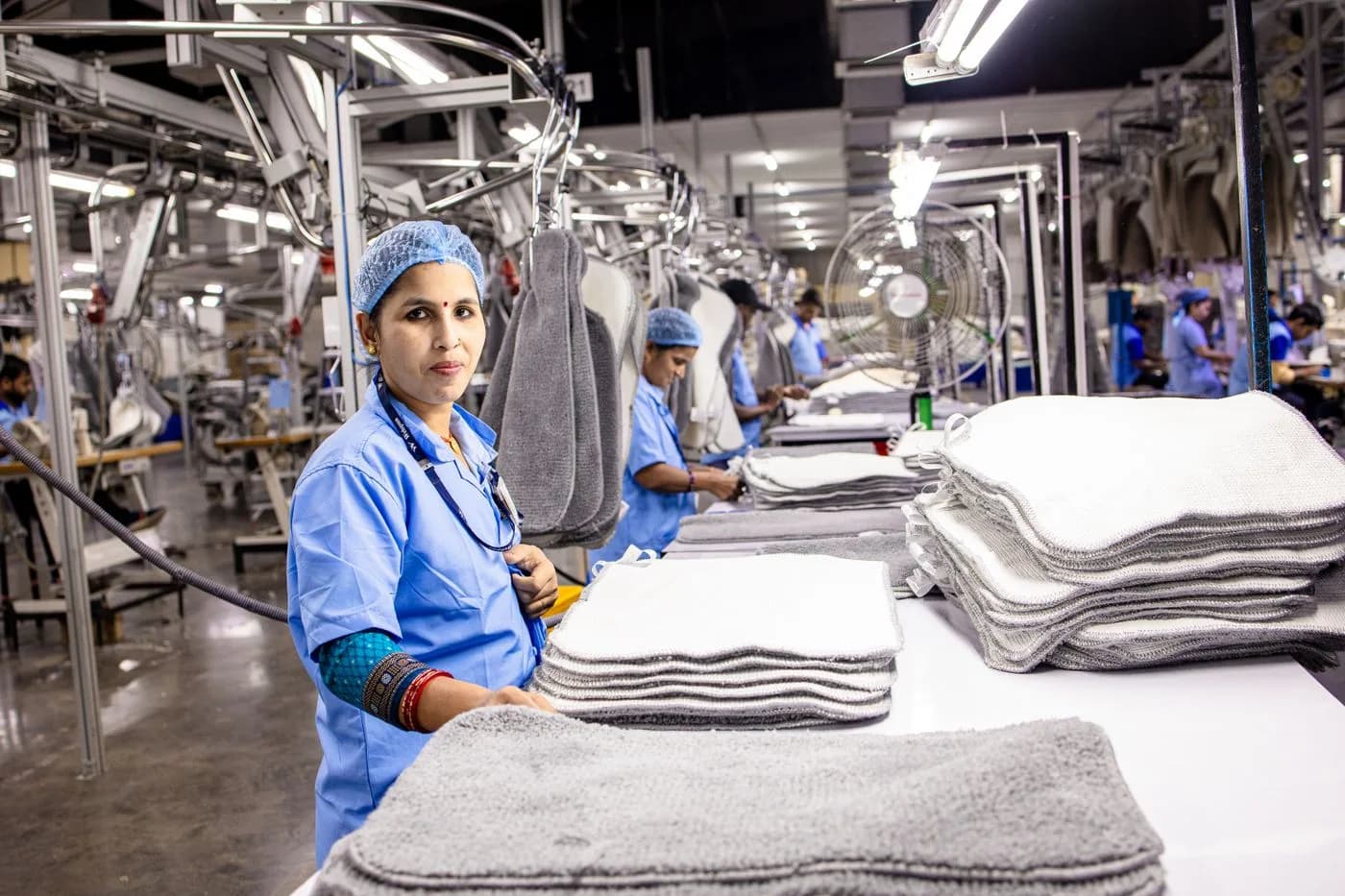
INDUSTRIAL SPACES / INDIAIntelligence starts
with the right view.
Illustrative photograph · EqualStock IN / Pexels 24 capabilities to exploreIndian business use casesClear compatibility requirements
THE CAPABILITY COLLECTION
Find the intelligence
your site needs.
Explore 24 capabilities across investigation, protection, operations and camera technology. Availability is confirmed during your site assessment.
24 of 24 features · Expand a card for use cases and requirements
AI-generated feature illustration
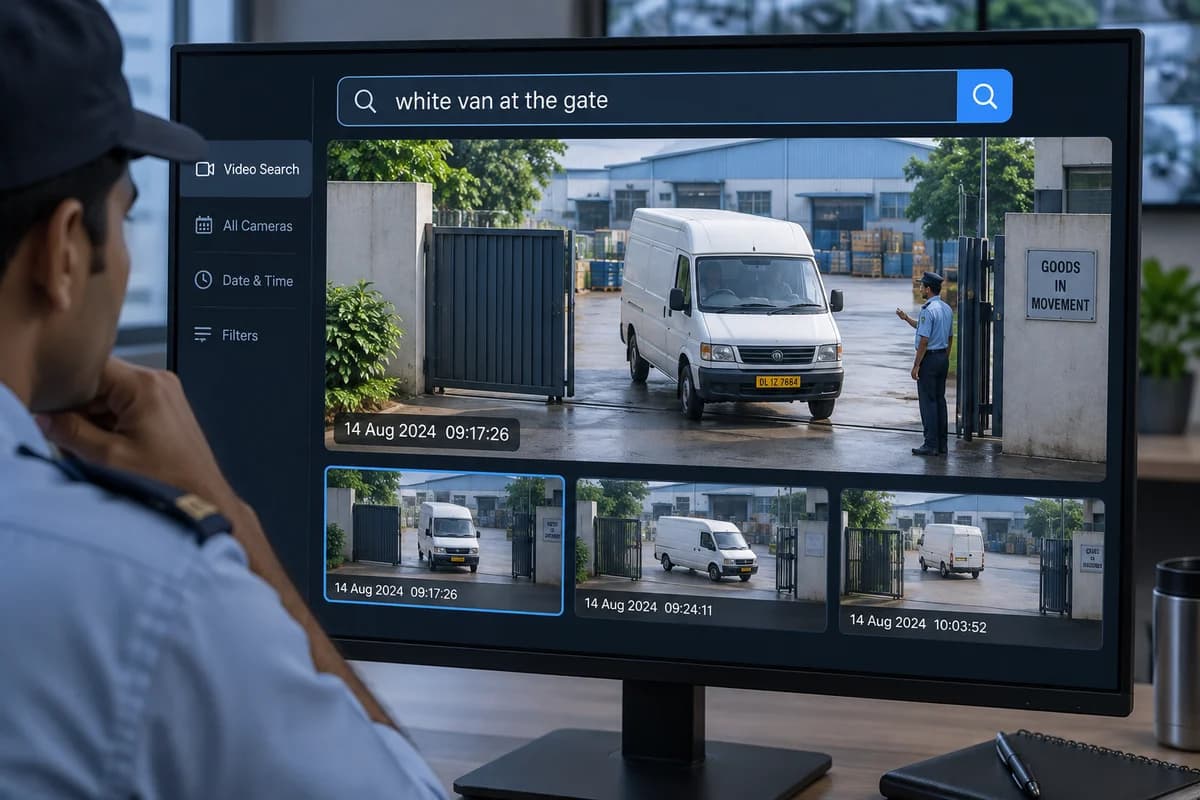
01 / Natural-language search
Natural-language search
Describe the person, vehicle or object you need. Find relevant footage without scrubbing through hours of recordings.
Read the full feature guide ↗Explore this feature +
An Indian use case
Search a Delhi site for a white vehicle arriving after closing time.
What your setup needs
Requires a compatible search platform or AI recorder. Query support and indexing capacity vary.
View technology reference ↗Check my camera compatibility →AI-generated feature illustration
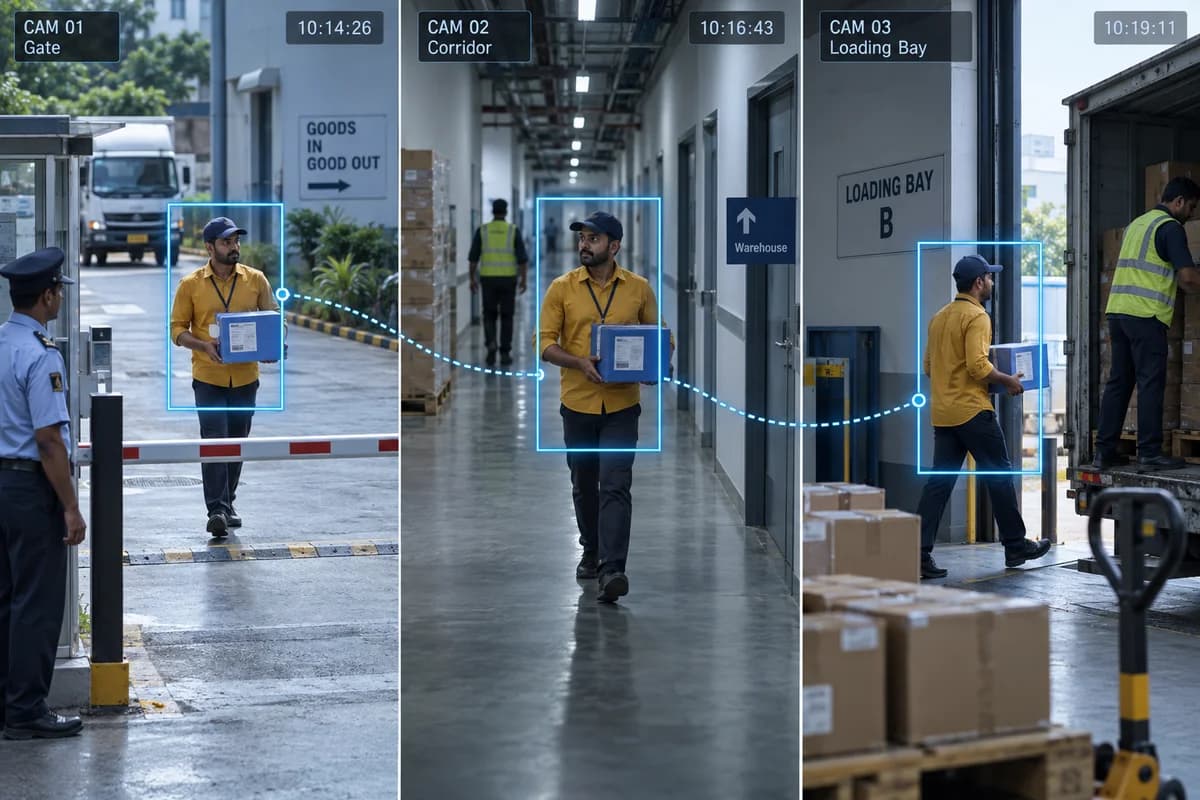
02 / Cross-camera target search
Cross-camera target search
Use a reference image to find similar appearances across connected camera views.
Read the full feature guide ↗Explore this feature +
An Indian use case
Review a target’s appearances between a factory entrance and production area.
What your setup needs
Compatible cameras, metadata and search software are needed. Similarity is not proof of identity.
View technology reference ↗Check my camera compatibility →AI-generated feature illustration
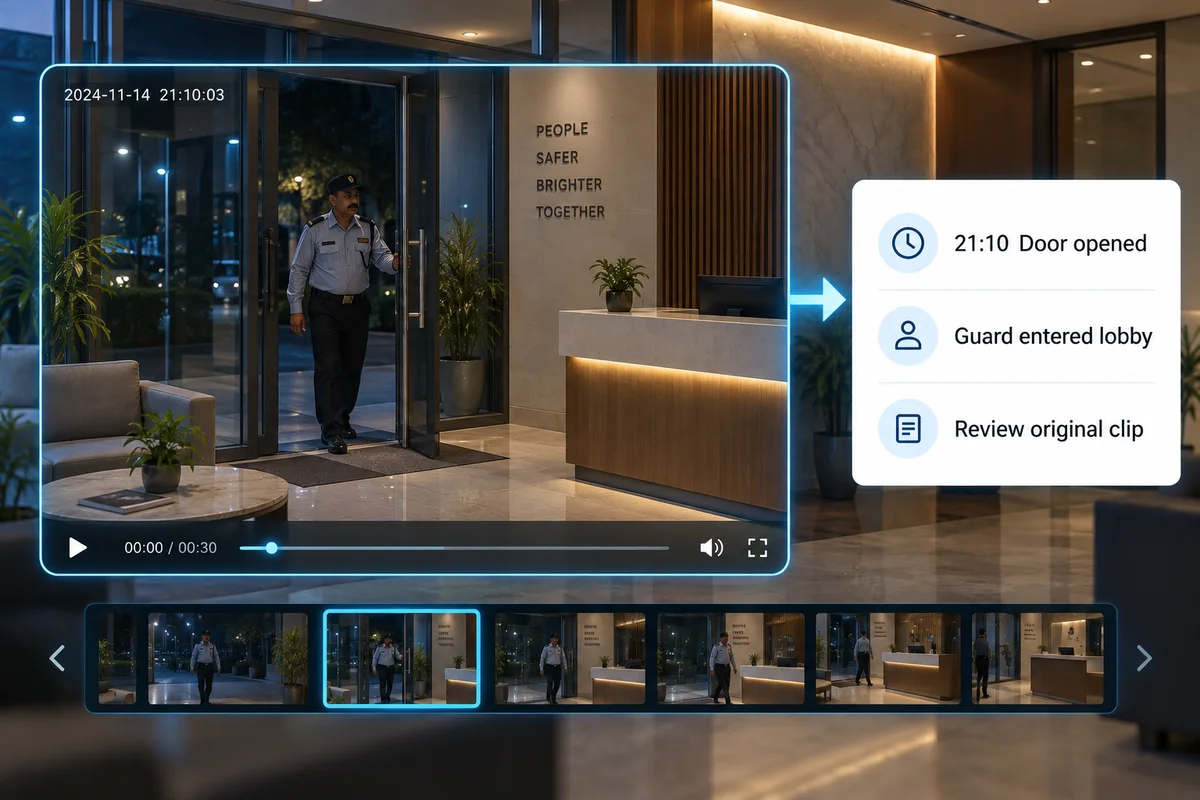
03 / AI event summaries
AI event summaries
Turn detected events into short descriptions that help your team decide what to review.
Read the full feature guide ↗Explore this feature +
An Indian use case
Triage overnight activity across office locations before opening each clip.
What your setup needs
Requires a supported AI appliance or platform. Verify generated descriptions against the original recording.
View technology reference ↗Check my camera compatibility →AI-generated feature illustration
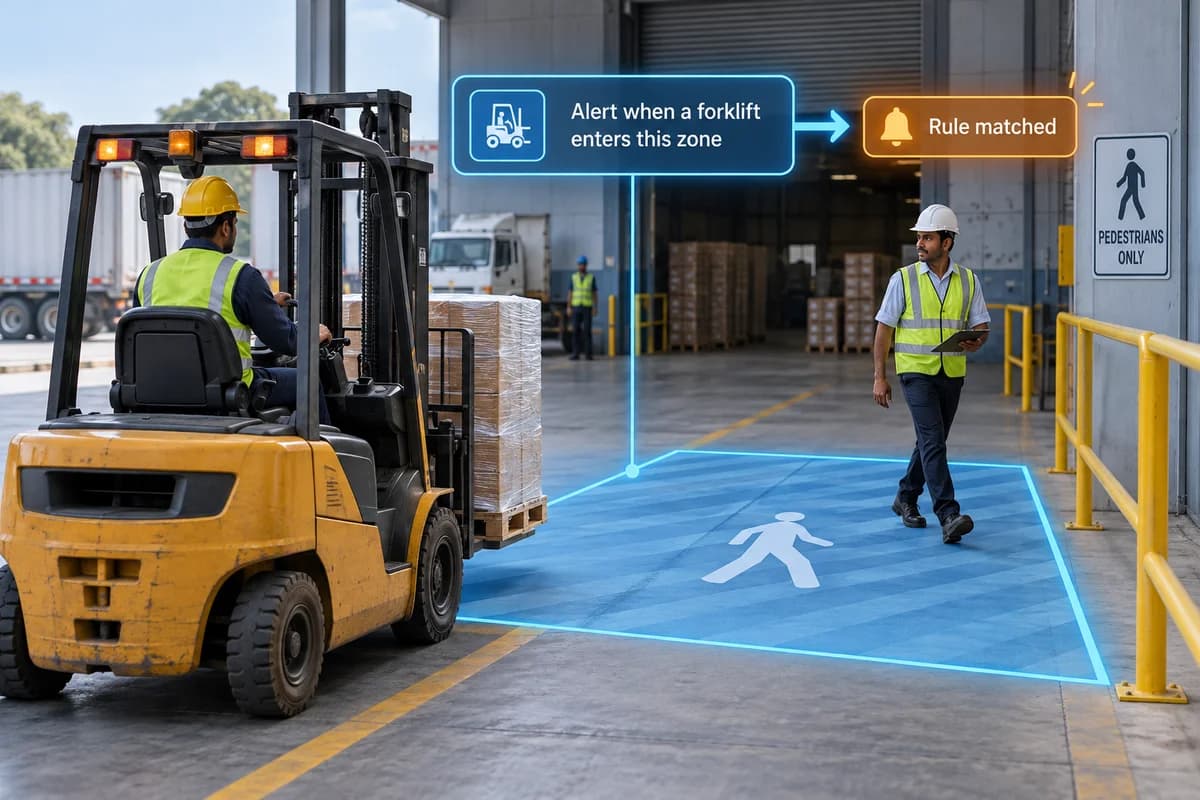
04 / Plain-language alerts
Plain-language alerts
Create supported alerts using a written description of the condition you want to monitor.
Read the full feature guide ↗Explore this feature +
An Indian use case
Evaluate alerts for missing safety equipment at an industrial site.
What your setup needs
Platform-specific capability. Each rule needs a site trial to measure missed and false alerts.
View technology reference ↗Check my camera compatibility →AI-generated feature illustration
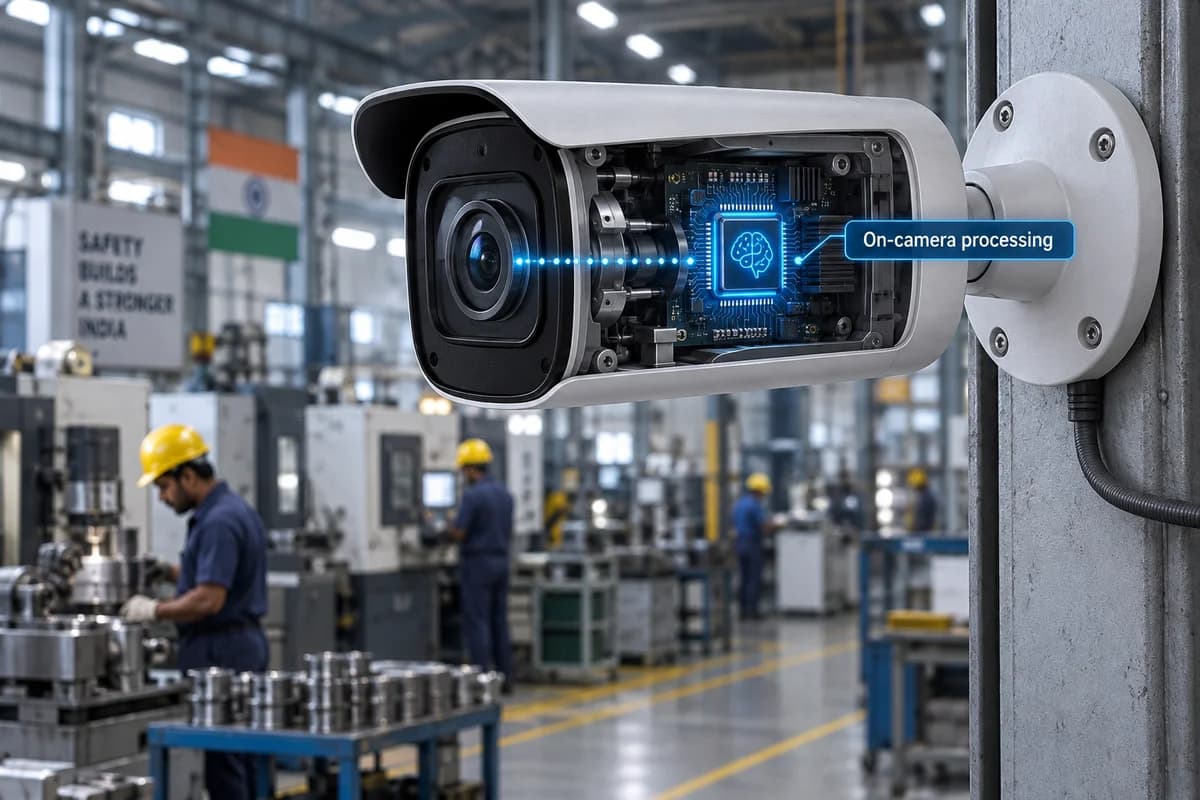
05 / Edge AI processing
Edge AI processing
Process supported analytics on the camera to reduce reliance on sending every frame to a remote server.
Read the full feature guide ↗Explore this feature +
An Indian use case
Keep local detection running at a factory with limited upstream bandwidth.
What your setup needs
Needs an AI-capable camera. Local recording and remote notifications have separate network requirements.
View technology reference ↗Check my camera compatibility →AI-generated feature illustration
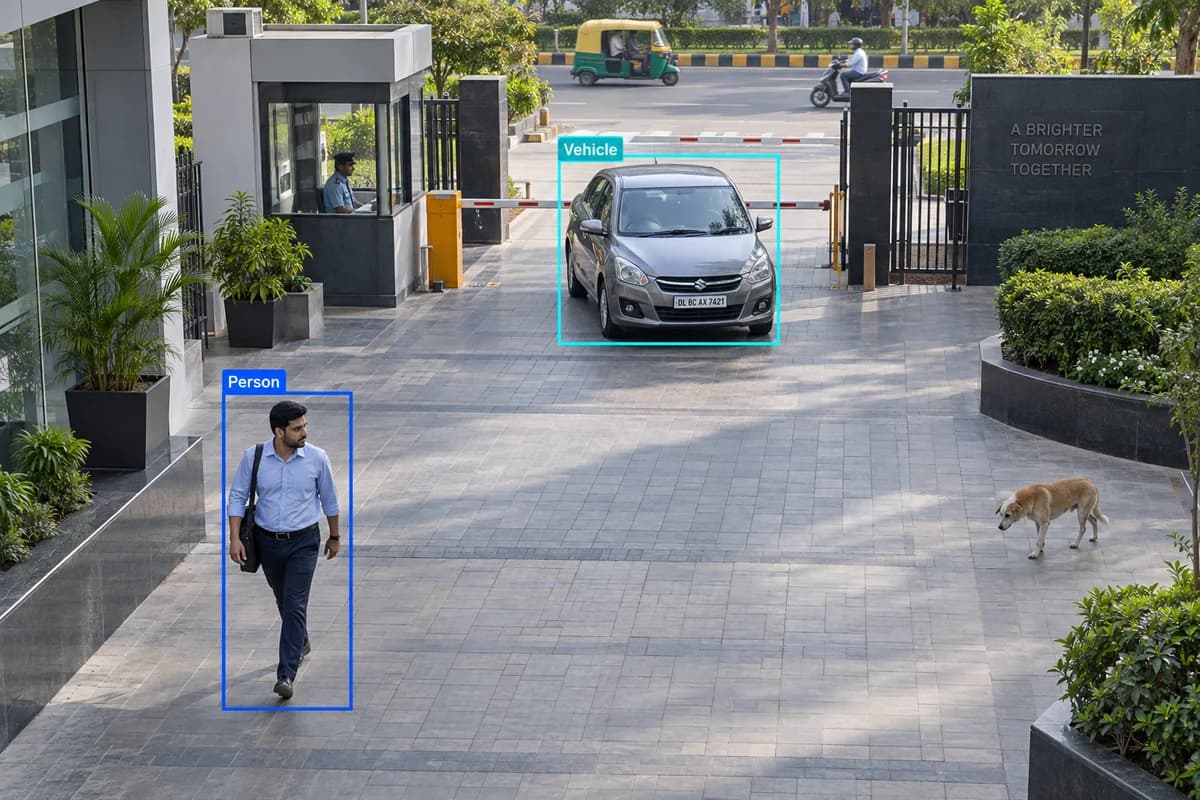
06 / Human & vehicle classification
Human & vehicle classification
Filter activity by the type of object detected instead of treating every movement as an incident.
Read the full feature guide ↗Explore this feature +
An Indian use case
Focus a commercial entrance’s alerts on people and vehicles.
What your setup needs
Detection depends on object size, angle and lighting. Classification reduces noise; it does not eliminate errors.
View technology reference ↗Check my camera compatibility →AI-generated feature illustration
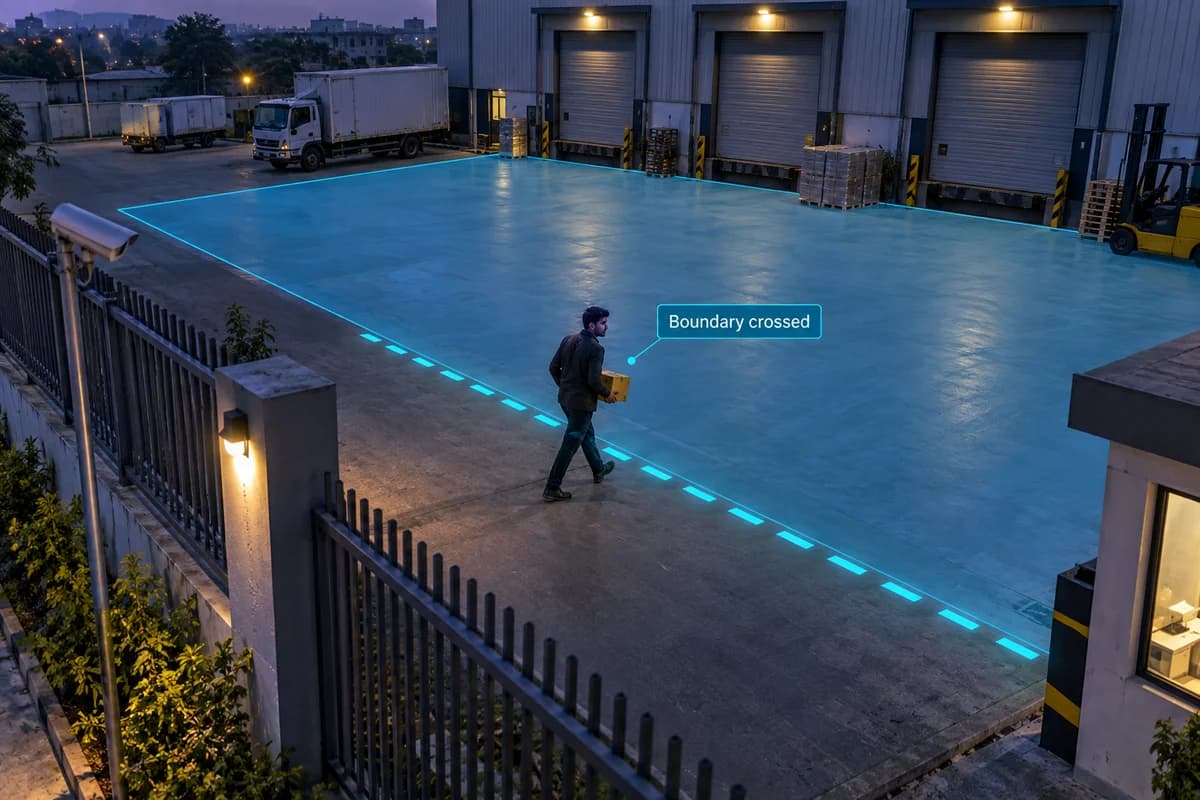
07 / Intrusion & virtual lines
Intrusion & virtual lines
Set a monitored zone or virtual boundary and flag selected objects entering or crossing it.
Read the full feature guide ↗Explore this feature +
An Indian use case
Monitor a restricted office area outside working hours.
What your setup needs
Requires suitable coverage, configured zones and schedules, and a supported analytics engine.
View technology reference ↗Check my camera compatibility →AI-generated feature illustration
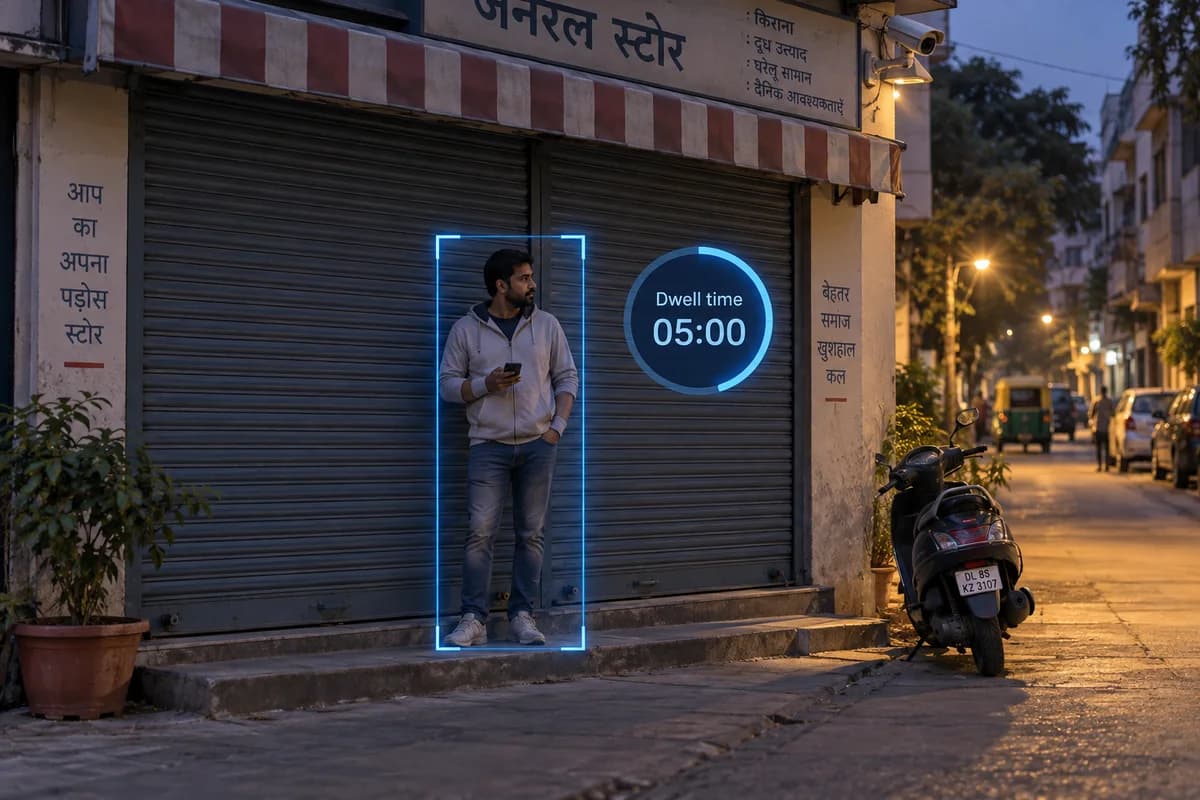
08 / Loitering detection
Loitering detection
Flag a person or vehicle remaining in a monitored area beyond a configured time.
Read the full feature guide ↗Explore this feature +
An Indian use case
Review extended presence near a shop entrance after closing.
What your setup needs
Dwell thresholds need tuning. Waiting is not automatically suspicious; an operator reviews context.
View technology reference ↗Check my camera compatibility →AI-generated feature illustration
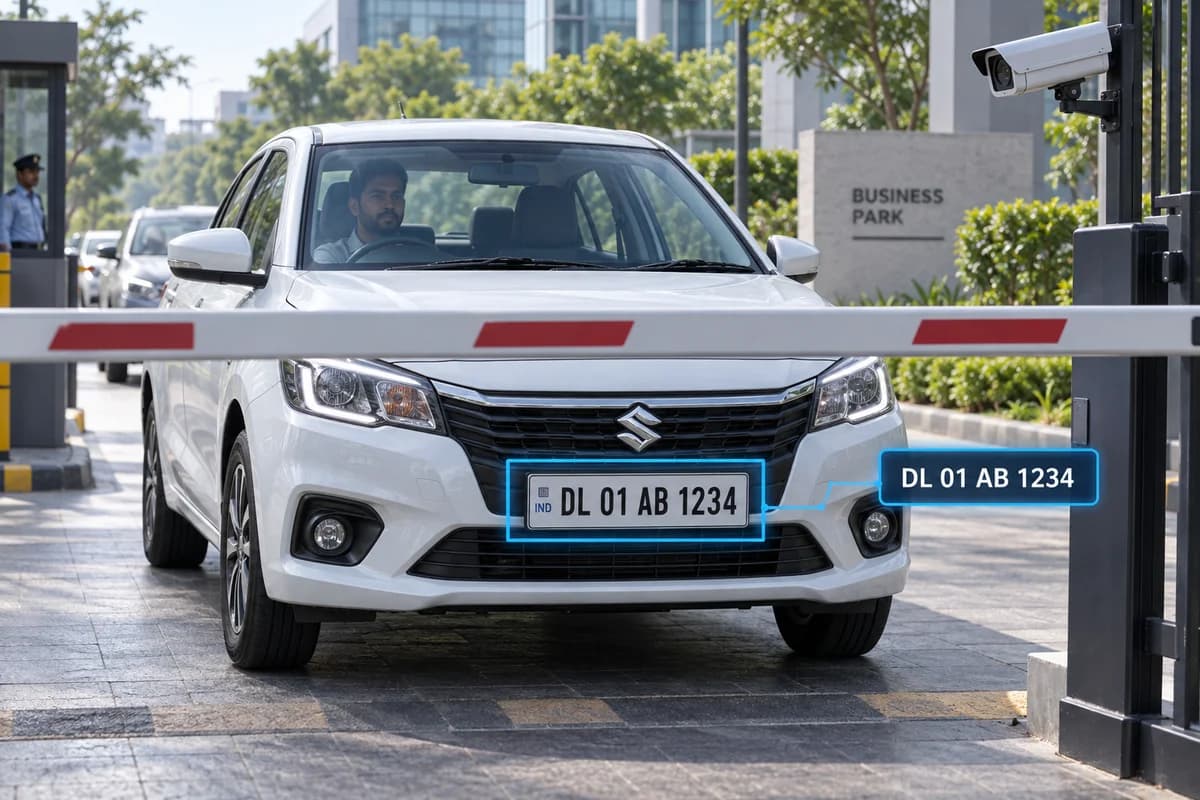
09 / ANPR & vehicle attributes
ANPR & vehicle attributes
Read number plates and search supported vehicle attributes such as colour and vehicle type.
Read the full feature guide ↗Explore this feature +
An Indian use case
Review vehicle entry at a business park or housing society.
What your setup needs
Confirm Indian plate support, capture angle, vehicle speed and night performance. Dedicated capture hardware may be needed.
View technology reference ↗Check my camera compatibility →AI-generated feature illustration
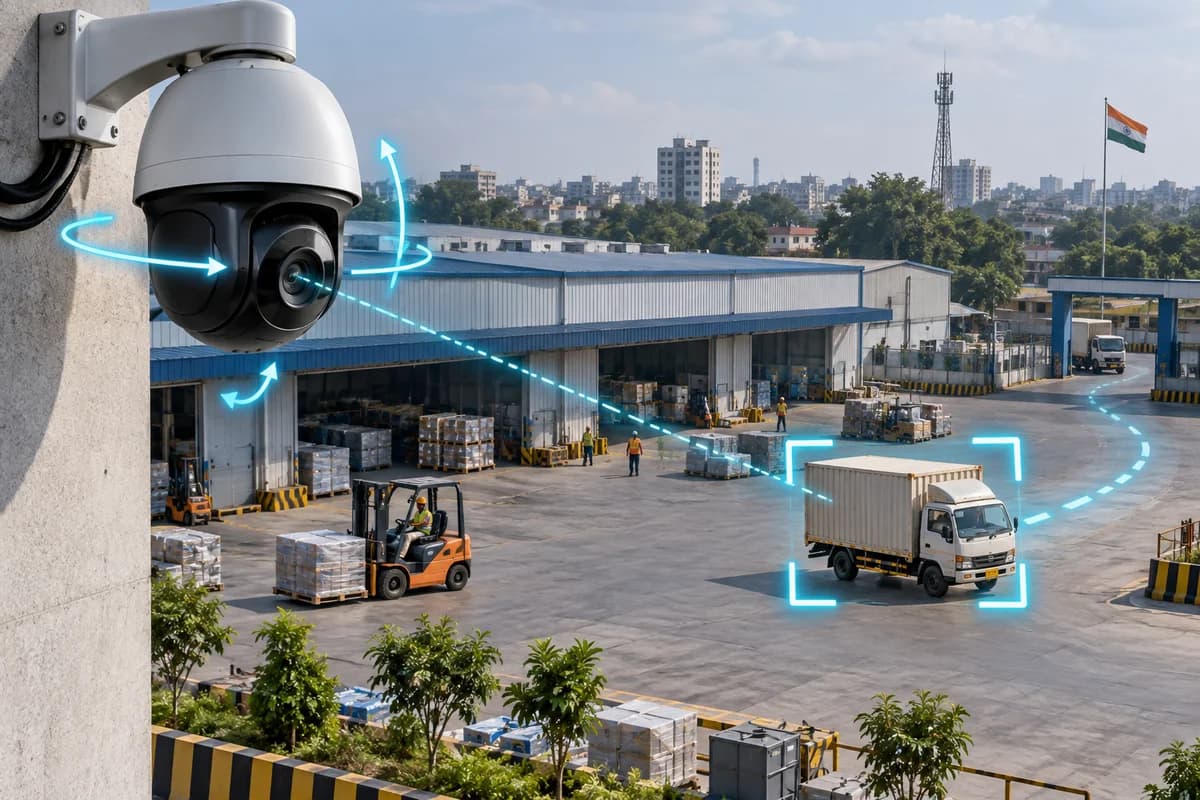
10 / AI PTZ auto-tracking
AI PTZ auto-tracking
A compatible motorised camera pans, tilts and zooms to follow a selected object.
Read the full feature guide ↗Explore this feature +
An Indian use case
Follow movement through an open construction yard.
What your setup needs
Requires a supported PTZ camera. A fixed camera cannot gain motorised tracking through software.
View technology reference ↗Check my camera compatibility →AI-generated feature illustration
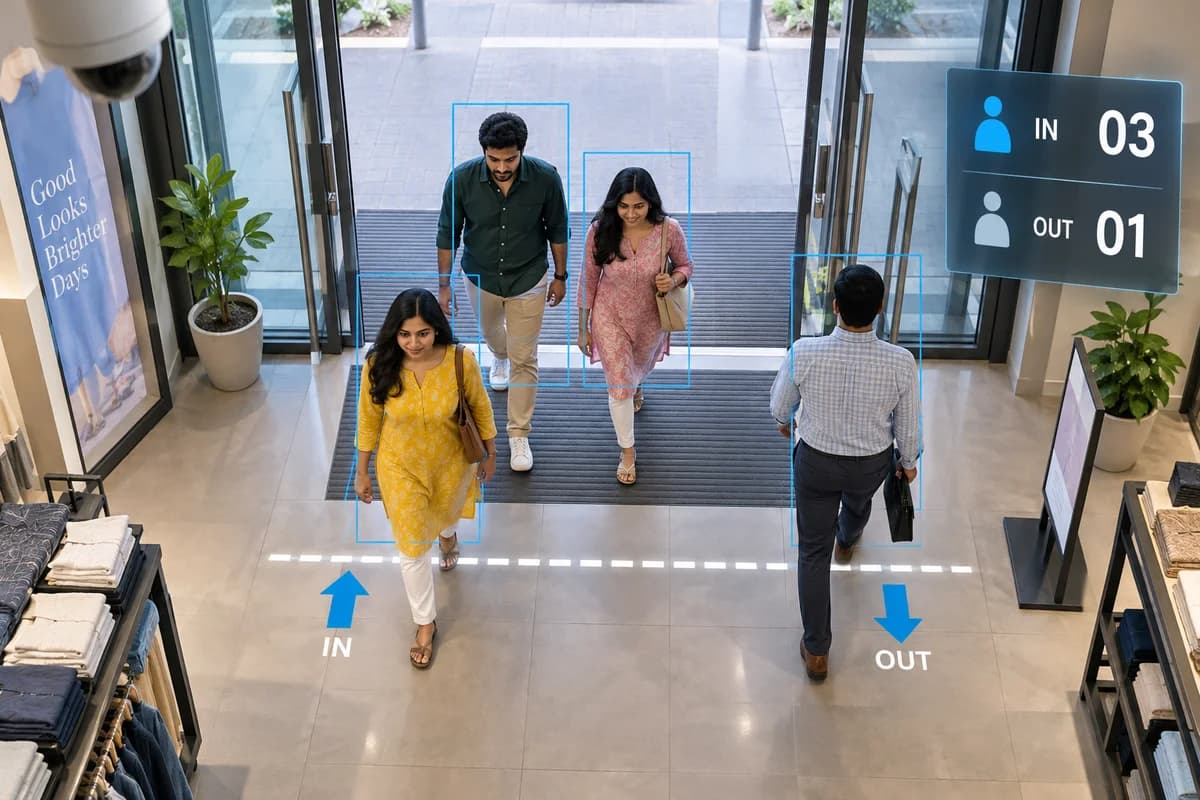
11 / People counting & occupancy
People counting & occupancy
Count entries and exits or estimate the number of people present in a defined area.
Read the full feature guide ↗Explore this feature +
An Indian use case
Compare busy periods across retail outlets.
What your setup needs
Mounting and complete entrance coverage matter. Occupancy figures are estimates, not certified headcounts.
View technology reference ↗Check my camera compatibility →AI-generated feature illustration
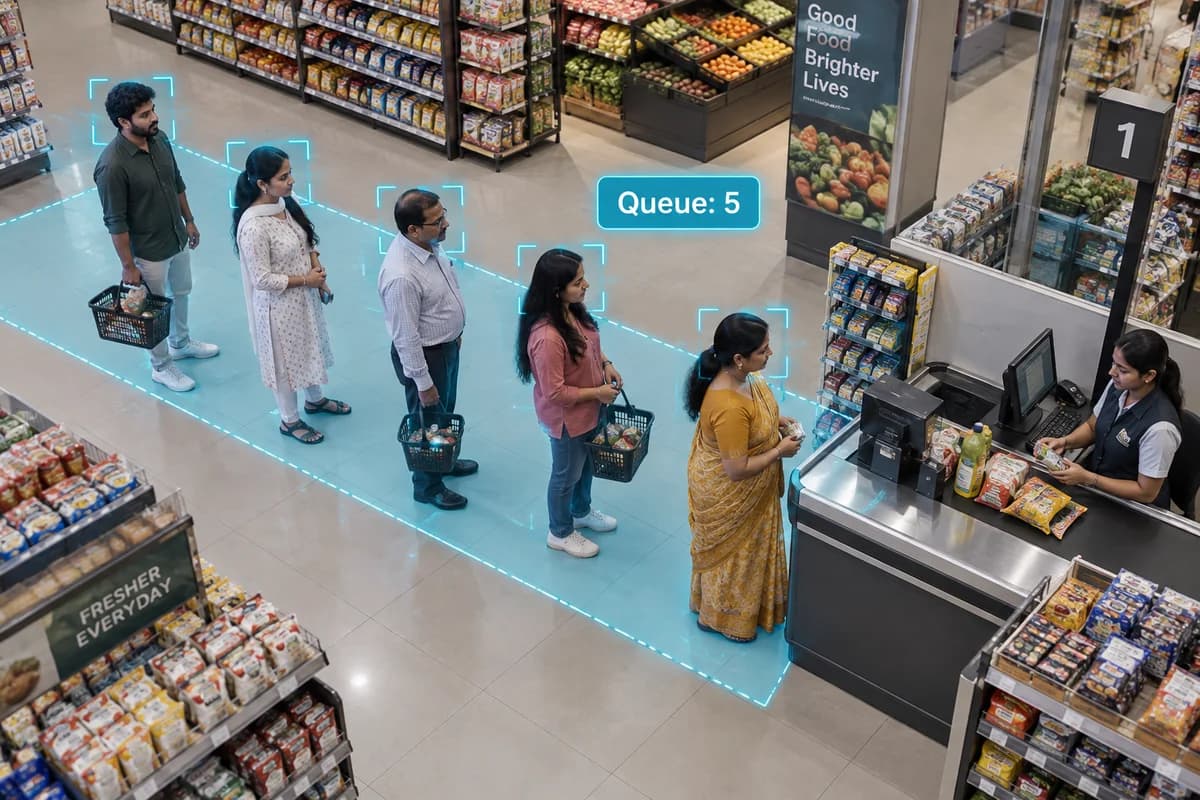
12 / Queue & crowd analytics
Queue & crowd analytics
Monitor congestion, dwell time and occupancy to help teams respond to busy areas.
Read the full feature guide ↗Explore this feature +
An Indian use case
Assess congestion at factory shift-change points.
What your setup needs
Requires an appropriate view and configured thresholds. Crowds and occlusion affect accuracy.
View technology reference ↗Check my camera compatibility →AI-generated feature illustration
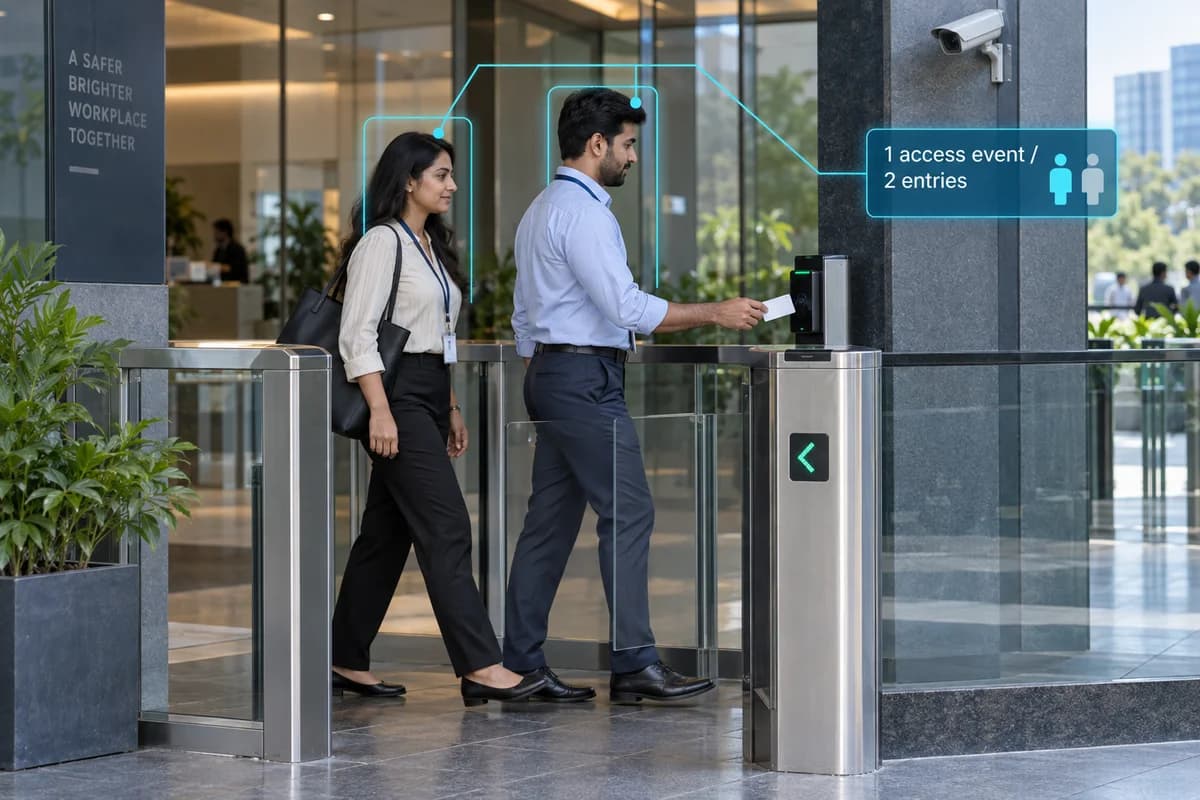
13 / Tailgating detection
Tailgating detection
Flag people or vehicles crossing a monitored boundary close together.
Read the full feature guide ↗Explore this feature +
An Indian use case
Review closely spaced entries at a controlled office entrance.
What your setup needs
Camera events need access-control context to determine authorisation. Close movement alone is not proof of a breach.
View technology reference ↗Check my camera compatibility →AI-generated feature illustration
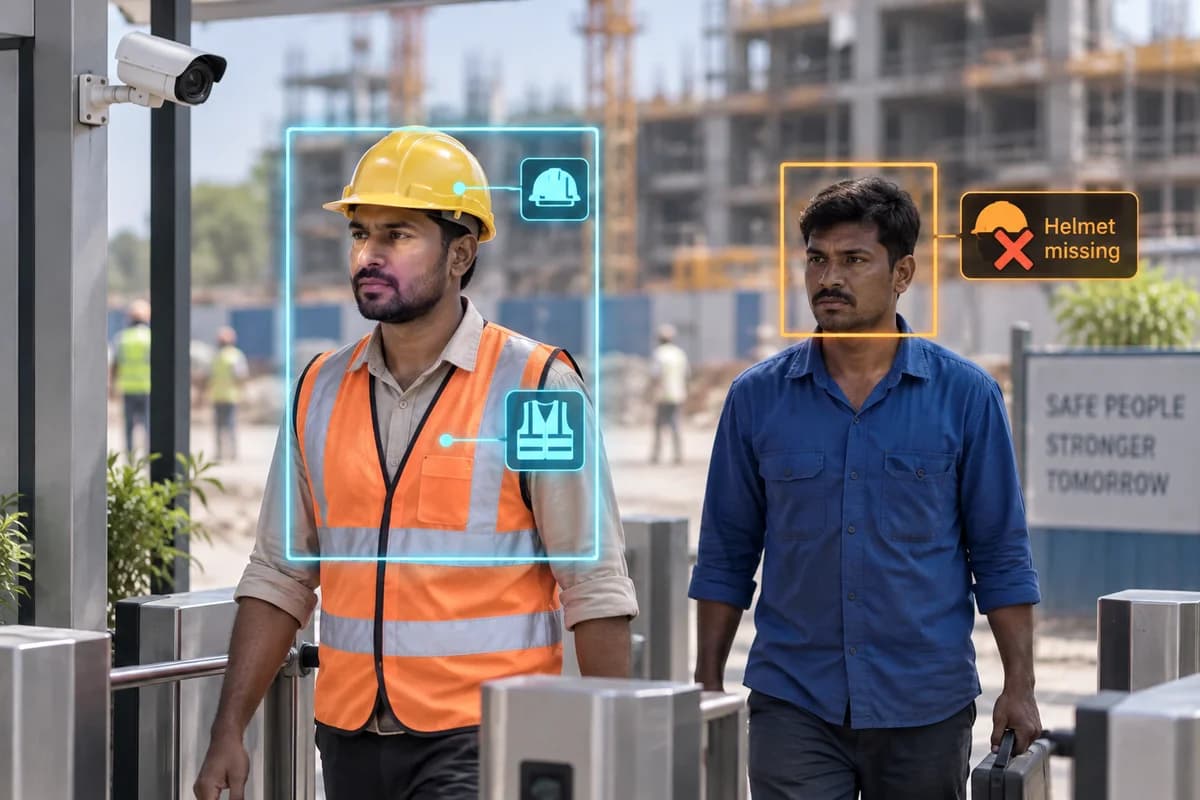
14 / PPE detection
PPE detection
Detect supported conditions such as missing hard hats or high-visibility clothing.
Read the full feature guide ↗Explore this feature +
An Indian use case
Help supervisors review PPE use at construction entry points.
What your setup needs
Confirm the exact PPE classes supported. Site testing and human safety supervision remain necessary.
View technology reference ↗Check my camera compatibility →AI-generated feature illustration
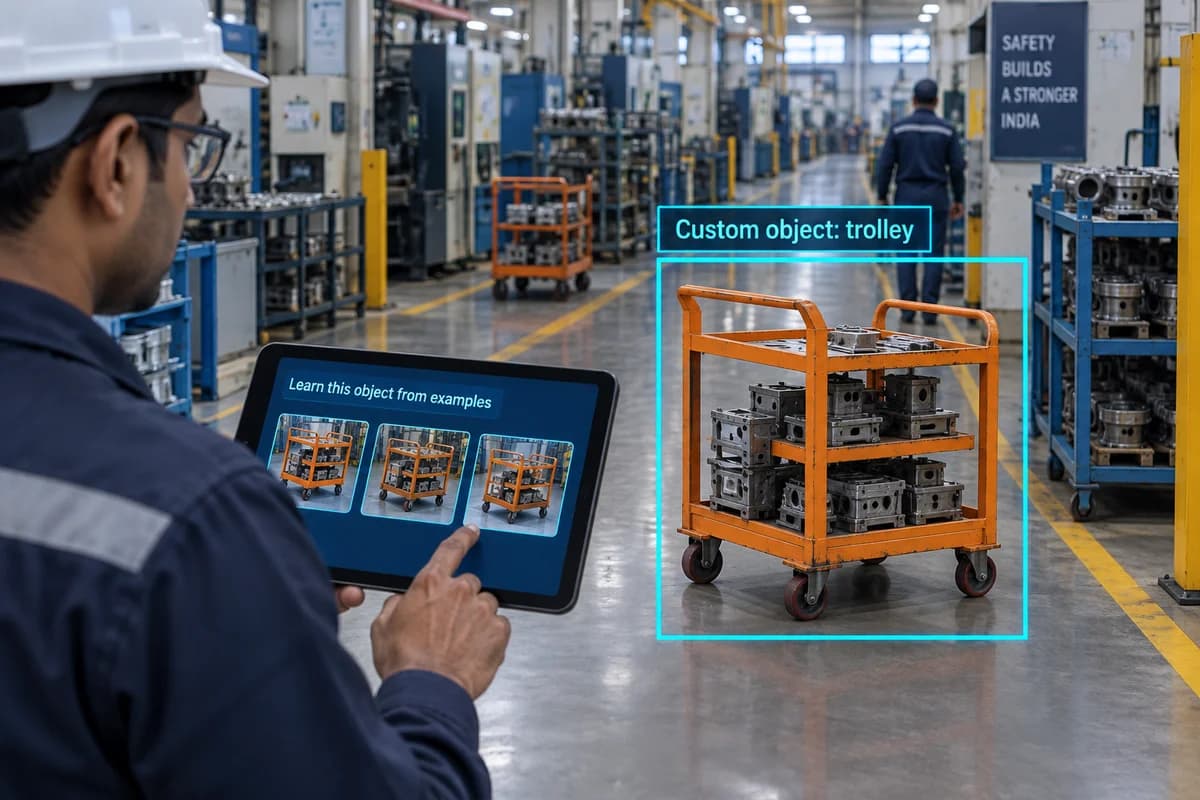
15 / On-site object learning
On-site object learning
Train supported cameras to recognise specific objects using examples from the installation.
Read the full feature guide ↗Explore this feature +
An Indian use case
Evaluate detection of a particular cart or equipment type on a factory floor.
What your setup needs
Needs supported hardware and representative training images. Not every object is suitable for learning.
View technology reference ↗Check my camera compatibility →AI-generated feature illustration
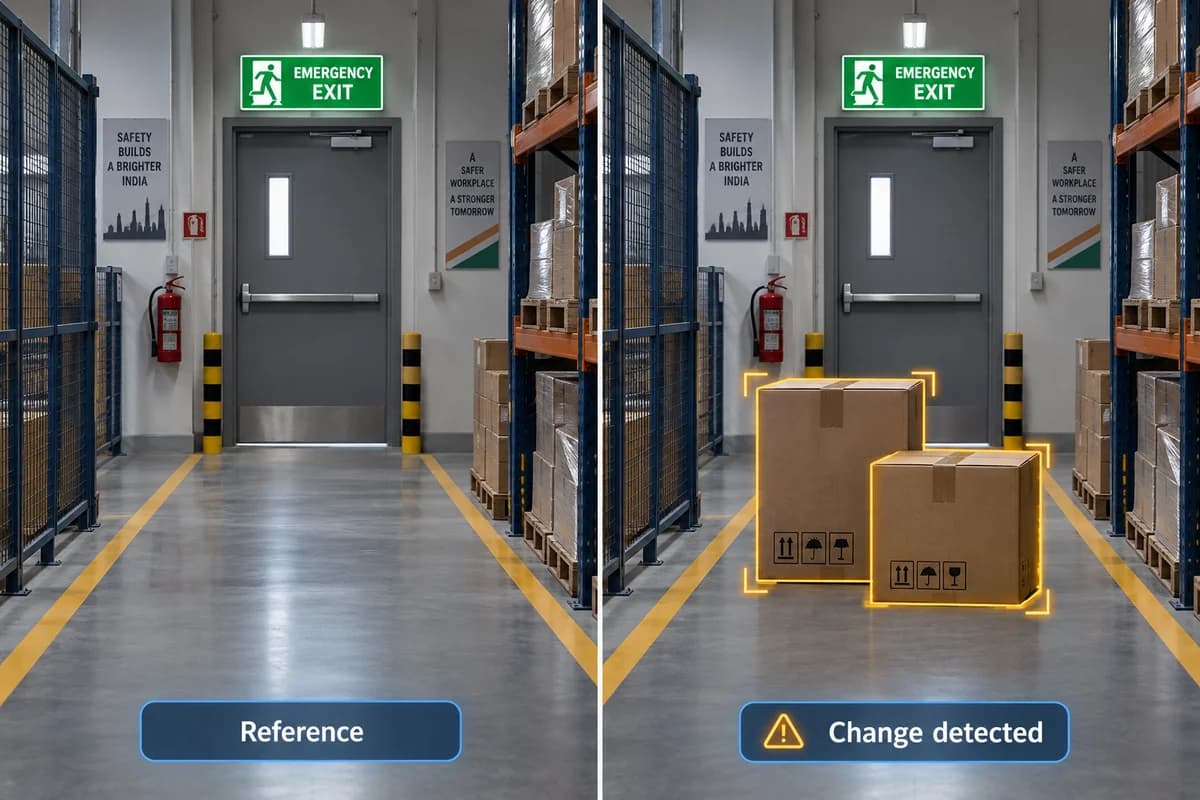
16 / Scene-change detection
Scene-change detection
Learn a reference scene and flag changes to a monitored condition for review.
Read the full feature guide ↗Explore this feature +
An Indian use case
Check whether a designated factory area differs from its normal state.
What your setup needs
Define the normal condition and test lighting changes. This does not infer intent or understand every incident.
View technology reference ↗Check my camera compatibility →AI-generated feature illustration
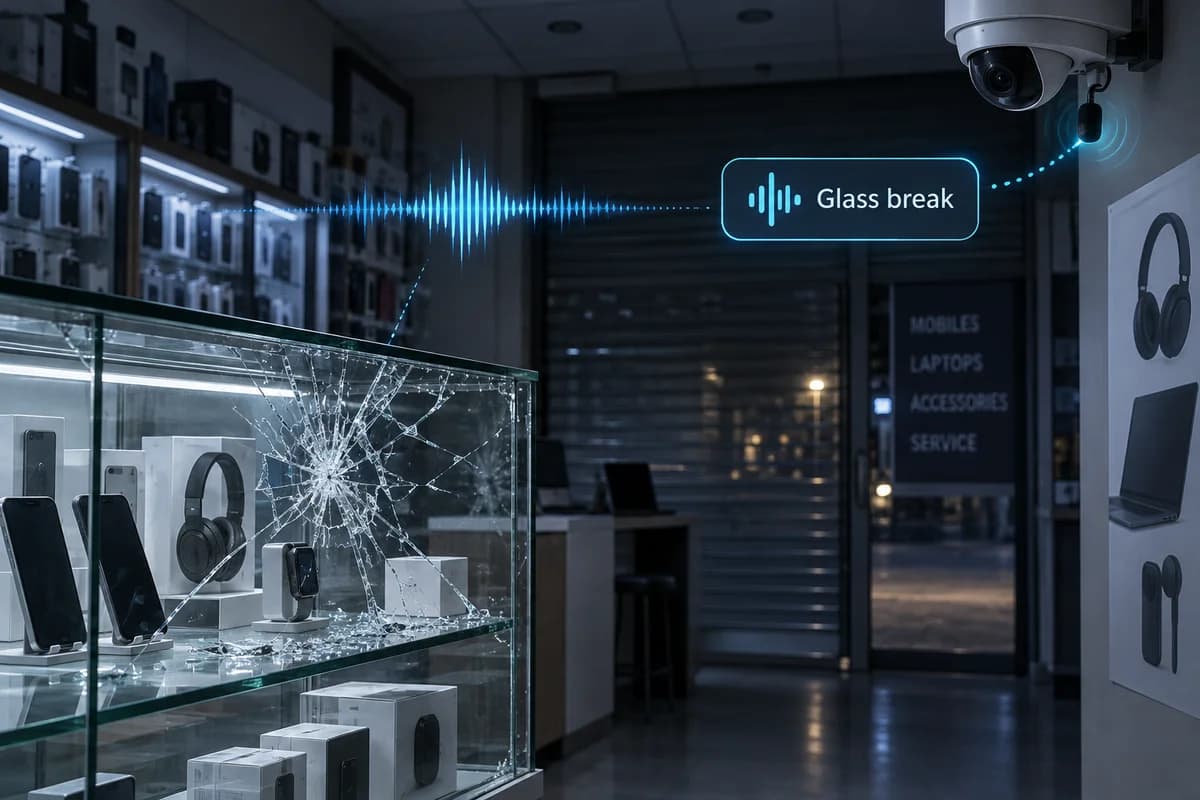
17 / AI sound classification
AI sound classification
Classify supported sounds such as breaking glass, shouting or vehicle horns.
Read the full feature guide ↗Explore this feature +
An Indian use case
Add audio-event context to a shop’s security workflow.
What your setup needs
Requires a supported microphone and classifier. Background noise and lawful audio collection must be assessed.
View technology reference ↗Check my camera compatibility →AI-generated feature illustration
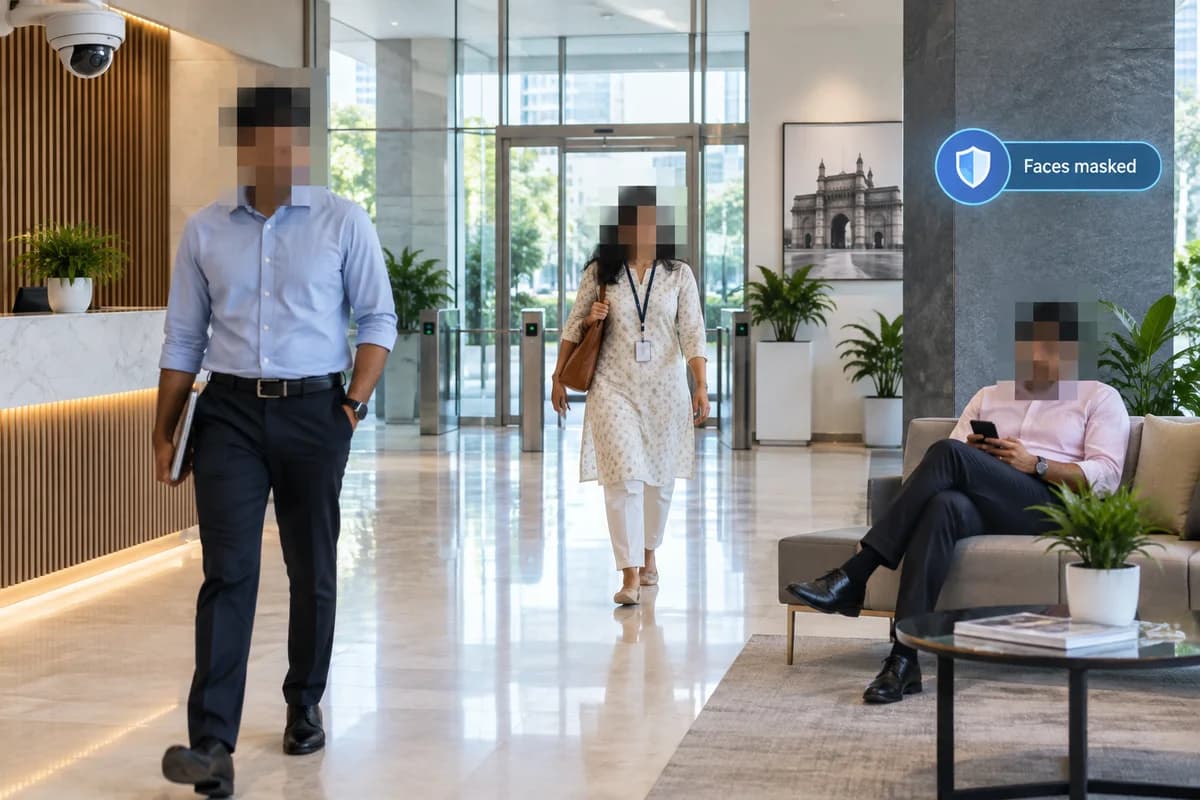
18 / AI privacy masking
AI privacy masking
Automatically obscure detected faces in supported video streams.
Read the full feature guide ↗Explore this feature +
An Indian use case
Review office activity while limiting unnecessary exposure of identity.
What your setup needs
Confirm where masking is applied, who can access originals and how missed detections are handled.
View technology reference ↗Check my camera compatibility →AI-generated feature illustration
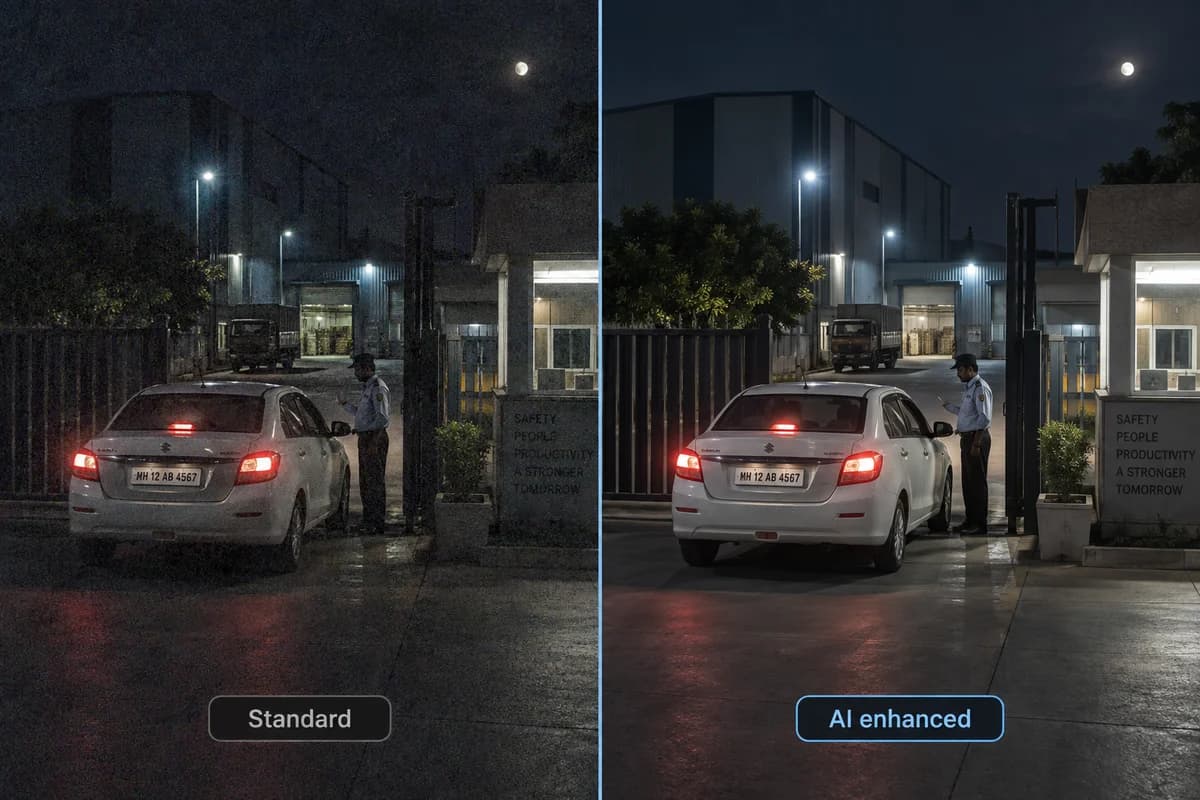
19 / AI-enhanced low-light imaging
AI-enhanced low-light imaging
Use AI image processing to reduce noise and improve detail in difficult lighting.
Read the full feature guide ↗Explore this feature +
An Indian use case
Evaluate night visibility at entrances exposed to rain and vehicle headlights.
What your setup needs
Depends on the camera sensor, lens and illumination. Processing cannot recover details that were never captured.
View technology reference ↗Check my camera compatibility →AI-generated feature illustration
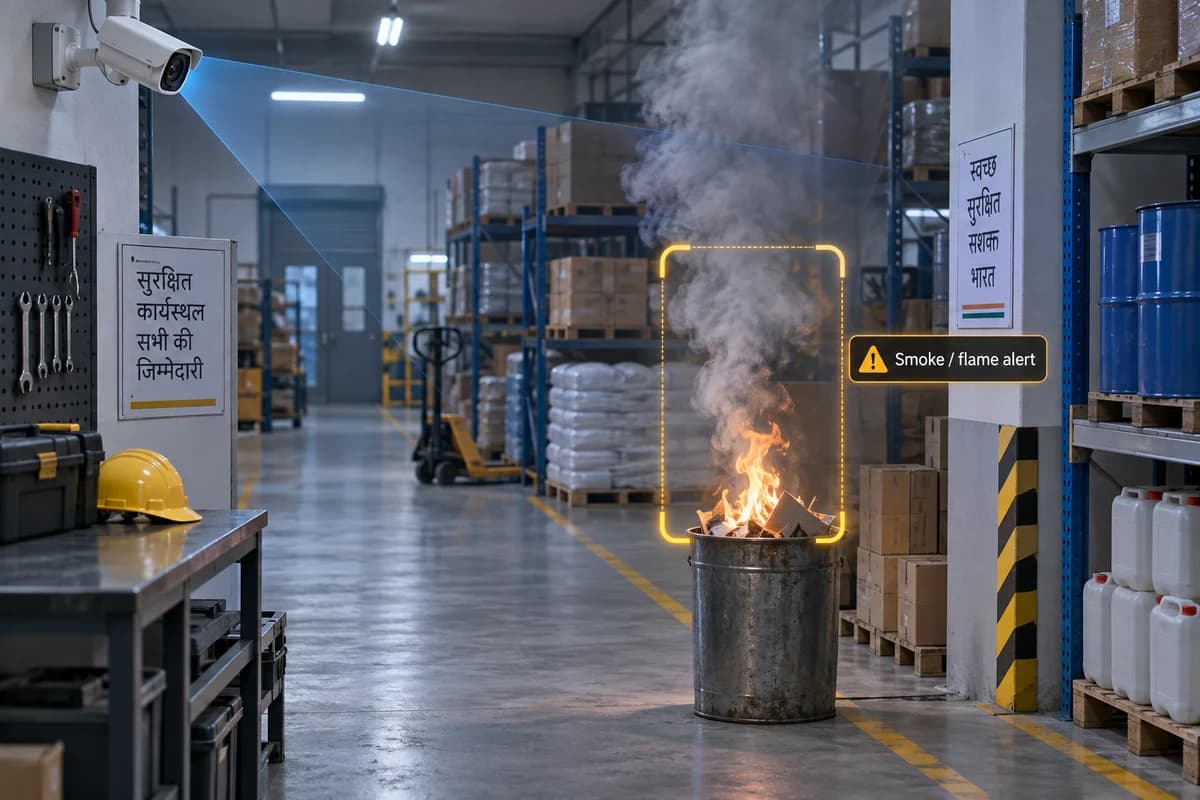
20 / Smoke & flame detection
Smoke & flame detection
Specialist video analytics look for visual patterns associated with smoke or flames.
Read the full feature guide ↗Explore this feature +
An Indian use case
Assess additional visual detection coverage for an industrial facility.
What your setup needs
Requires specialist equipment and professional fire-system design. Ordinary CCTV is not a substitute for required fire protection.
Check my camera compatibility →21 / Weapon detection
Weapon detection
Specialist analytics look for the visual signature of a weapon held in view and raise an alert for a person to judge.
Read the full feature guide ↗Explore this feature +
An Indian use case
Give a reception desk a faster route to a decision than noticing it themselves.
What your setup needs
Every alert needs human review before anyone acts. Concealed items cannot be detected, and this is not a screening or scanning system.
View technology reference ↗Check my camera compatibility →22 / Abandoned & removed objects
Abandoned & removed objects
Flag an object left in a monitored area beyond a set time, or one removed from a place it should occupy.
Read the full feature guide ↗Explore this feature +
An Indian use case
Review a bag left in a lobby, or equipment missing from a marked bay.
What your setup needs
Needs a stable camera view and a defined normal state. Busy scenes, moved furniture and changing light all raise false alerts until tuned.
View technology reference ↗Check my camera compatibility →23 / Two-way audio & voice deterrence
Two-way audio & voice deterrence
Speak through a speaker at the camera position, so an operator can challenge a visitor or warn someone off.
Read the full feature guide ↗Explore this feature +
An Indian use case
Tell a driver at a closed gate where to go, without sending someone out.
What your setup needs
Needs a speaker and microphone at that position, with power and network. Recording audio carries obligations beyond those for video and should be agreed before it is enabled.
View technology reference ↗Check my camera compatibility →24 / ONVIF & open integration
ONVIF & open integration
Work with cameras and recorders from different manufacturers over standard interfaces rather than requiring a single brand.
Read the full feature guide ↗Explore this feature +
An Indian use case
Keep four brands of camera across two recorders reporting into one place.
What your setup needs
ONVIF stream support and full analytics-event interoperability are not the same thing. Supported profiles and API functions are confirmed per device before anything is promised.
View technology reference ↗Check my camera compatibility →START WITH THE RIGHT FIT
24 possibilities.
One plan for your site.
Tell us what you need to detect. We’ll assess the camera views, processing, hardware and integrations needed before proposing a solution.
About these illustrations & technology references
Most features have an AI-generated illustration in an Indian business context; a few have none yet rather than borrowing another feature’s picture. Detection boxes, counts, alerts and screen interfaces are simulated to explain the capability. These are not PGAK product screenshots, real detection results, customer sites or performance comparisons.
This collection describes industry capabilities; availability depends on the proposed hardware, software and site assessment. Technology references are linked in each feature. The hero photograph is by EqualStock IN / Pexels. Collection reviewed September 2026.
GO A LITTLE DEEPER
Capability pages for your next step.