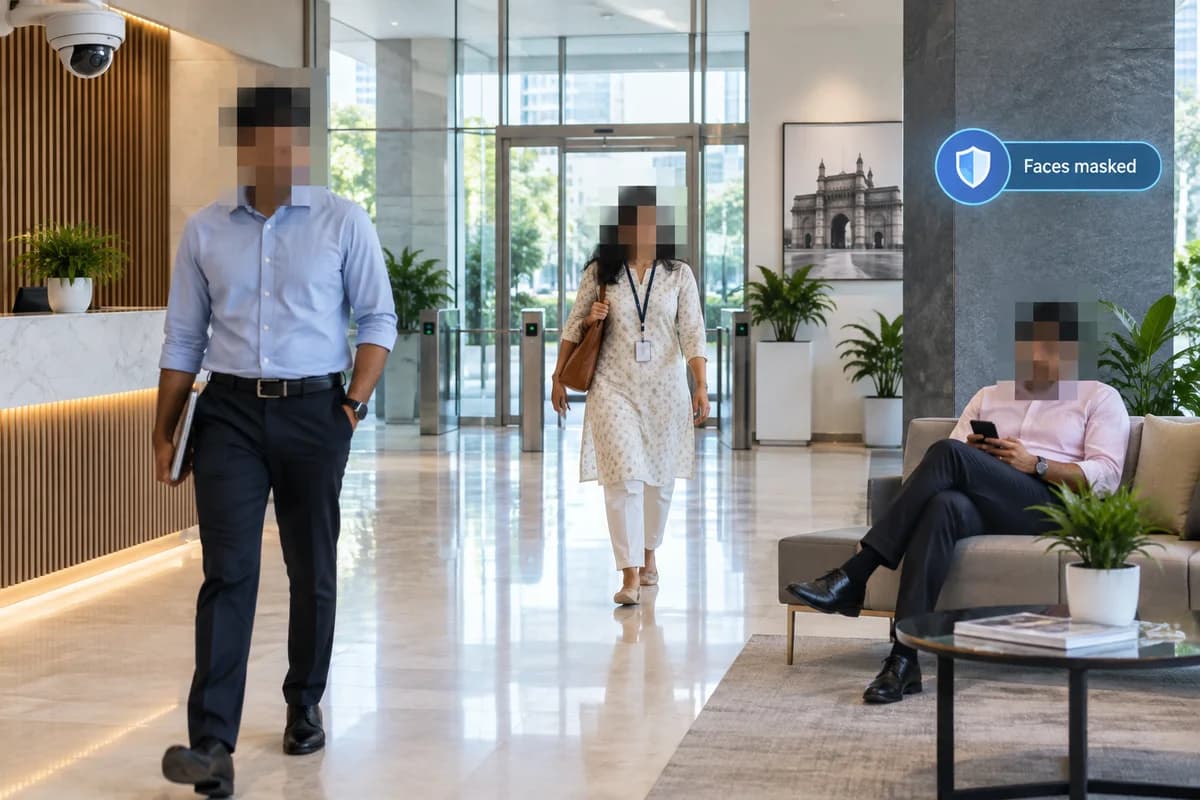
How it works
Automatically obscure detected faces in supported video streams.
Where it could help your business
Review office activity while limiting unnecessary exposure of identity.
Ask whether masking happens before recording, only during viewing, or only on exported clips. Check who can see the original stream. Test side profiles, people at the edge of the frame and crowded scenes for missed masks.
What your camera setup needs
Confirm where masking is applied, who can access originals and how missed detections are handled.
Does face masking make a recording anonymous?
Not necessarily. Clothing, location and other details can still reveal identity. Masking is one control within a wider privacy and access arrangement.
Check it on your own site
Bring a camera model list and explain the event you want to find or detect. We can use that to scope a compatibility assessment. Ask for a written proposal naming the supported functions, processing hardware, licences and pilot checks before agreeing to an installation.
Check my camera setup →