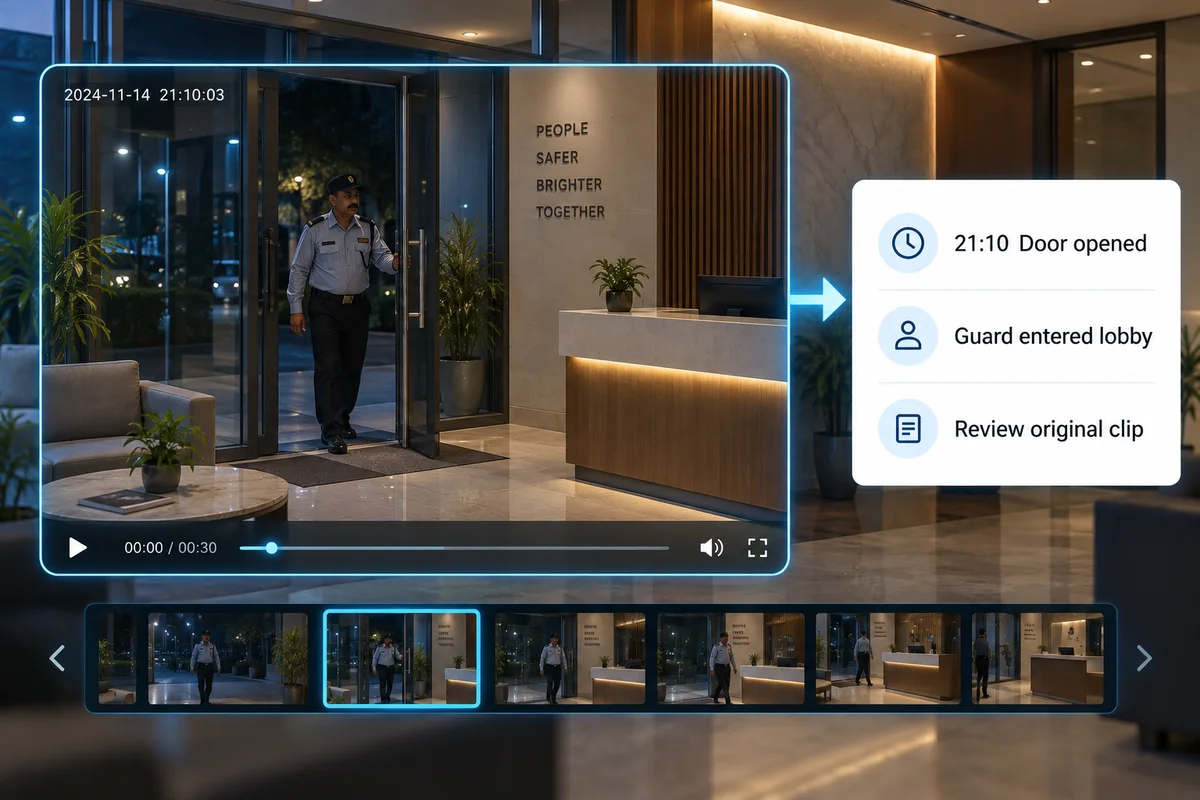
How it works
Turn detected events into short descriptions that help your team decide what to review.
Where it could help your business
Triage overnight activity across office locations before opening each clip.
Check whether the tool analyses the whole clip or selected frames. Test events with more than one person and activity in the background. A useful summary should link back to its footage and make it easy to correct a misleading description.
What your camera setup needs
Requires a supported AI appliance or platform. Verify generated descriptions against the original recording.
Can an AI summary replace watching the video?
No. Use it to organise review. Before responding to an incident or sharing a report, check the original video for details the summary may have missed or described incorrectly.
Check it on your own site
Bring a camera model list and explain the event you want to find or detect. We can use that to scope a compatibility assessment. Ask for a written proposal naming the supported functions, processing hardware, licences and pilot checks before agreeing to an installation.
Check my camera setup →