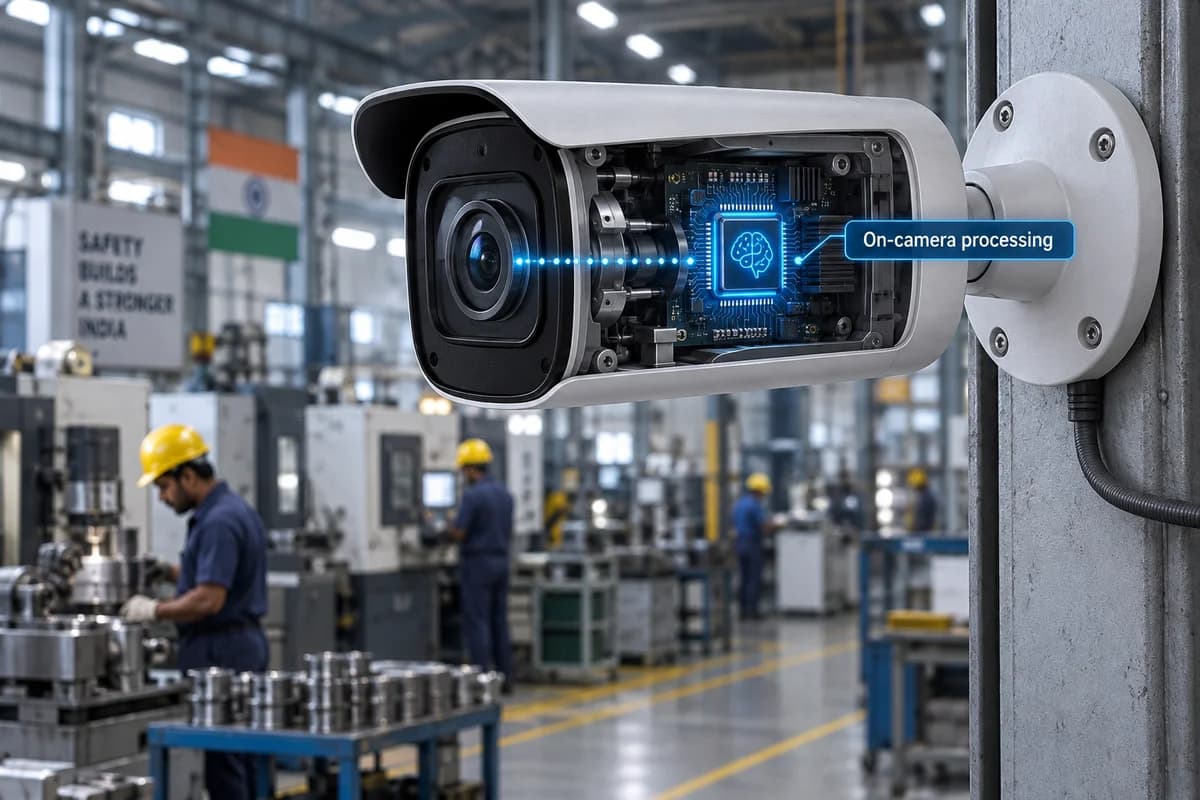
How it works
Process supported analytics on the camera to reduce reliance on sending every frame to a remote server.
Where it could help your business
Keep local detection running at a factory with limited upstream bandwidth.
Ask which analytics run on the camera and which still need a recorder or server. Check how many functions can run together. Also separate local detection from remote alerts: a camera may detect an event locally while a phone notification still needs connectivity.
What your camera setup needs
Needs an AI-capable camera. Local recording and remote notifications have separate network requirements.
Will an edge AI camera work without internet?
Some local functions can, depending on the device and setup. Remote access, cloud search and notifications may still require internet. Test the intended outage behaviour rather than relying on the edge AI label.
Check it on your own site
Bring a camera model list and explain the event you want to find or detect. We can use that to scope a compatibility assessment. Ask for a written proposal naming the supported functions, processing hardware, licences and pilot checks before agreeing to an installation.
Check my camera setup →