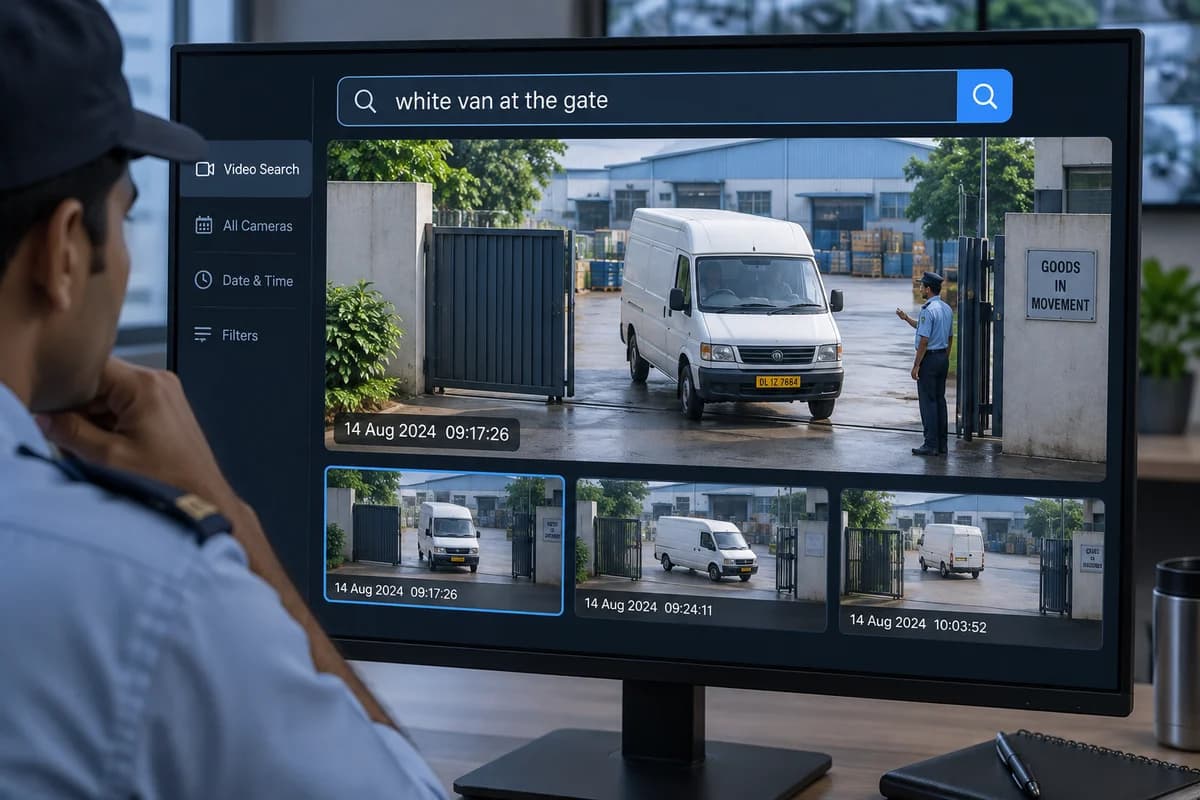
How it works
Describe the person, vehicle or object you need. Find relevant footage without scrubbing through hours of recordings.
Where it could help your business
Search a Delhi site for a white vehicle arriving after closing time.
Start with simple descriptions from your own footage. Try clothing colour, vehicle type and location separately before combining them. Keep the original clips available so an operator can check each result; a convincing match can still be the wrong person or vehicle.
What your camera setup needs
Requires a compatible search platform or AI recorder. Query support and indexing capacity vary.
Can I search all my old CCTV recordings?
Only if the proposed platform can ingest and index those recordings. Ask which cameras, recording formats, retention periods and historical imports are supported before assuming your archive is searchable.
Check it on your own site
Bring a camera model list and explain the event you want to find or detect. We can use that to scope a compatibility assessment. Ask for a written proposal naming the supported functions, processing hardware, licences and pilot checks before agreeing to an installation.
Check my camera setup →