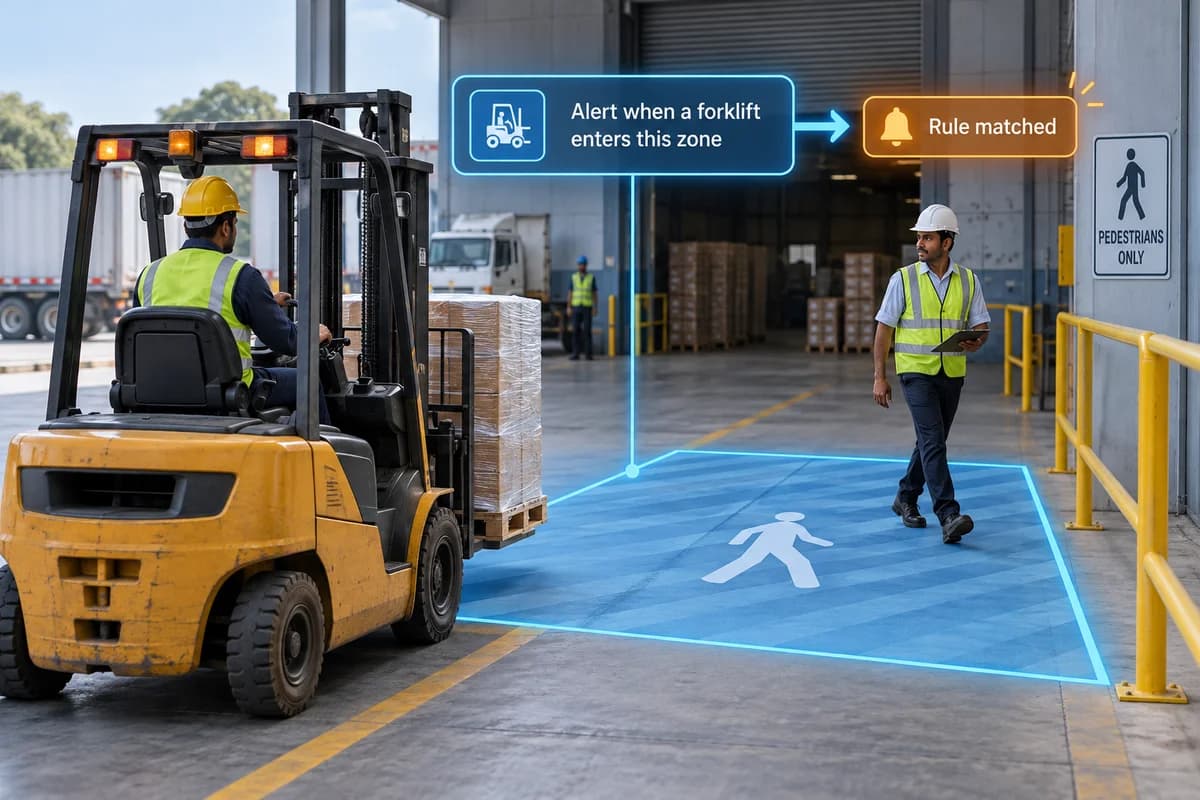
How it works
Create supported alerts using a written description of the condition you want to monitor.
Where it could help your business
Evaluate alerts for missing safety equipment at an industrial site.
Keep each rule specific. Name the object, action and area you care about, then test examples that should and should not trigger it. Agree who receives the alert and what they should do; a notification without a response process adds little value.
What your camera setup needs
Platform-specific capability. Each rule needs a site trial to measure missed and false alerts.
Will any written instruction work as an alert?
No. Supported concepts and processing capacity differ between platforms. A written rule must be tested on representative footage before it is used operationally.
Check it on your own site
Bring a camera model list and explain the event you want to find or detect. We can use that to scope a compatibility assessment. Ask for a written proposal naming the supported functions, processing hardware, licences and pilot checks before agreeing to an installation.
Check my camera setup →