Offices, front desks & control rooms

A desk tracking system that runs on your existing CCTV

A desk tracking system shows how long each desk, counter or post was actually occupied, and when a post that should be staffed stood empty. PGAK's works from overhead CCTV — a zone around each chair, no badges or desk sensors — and is tested on your own cameras first.

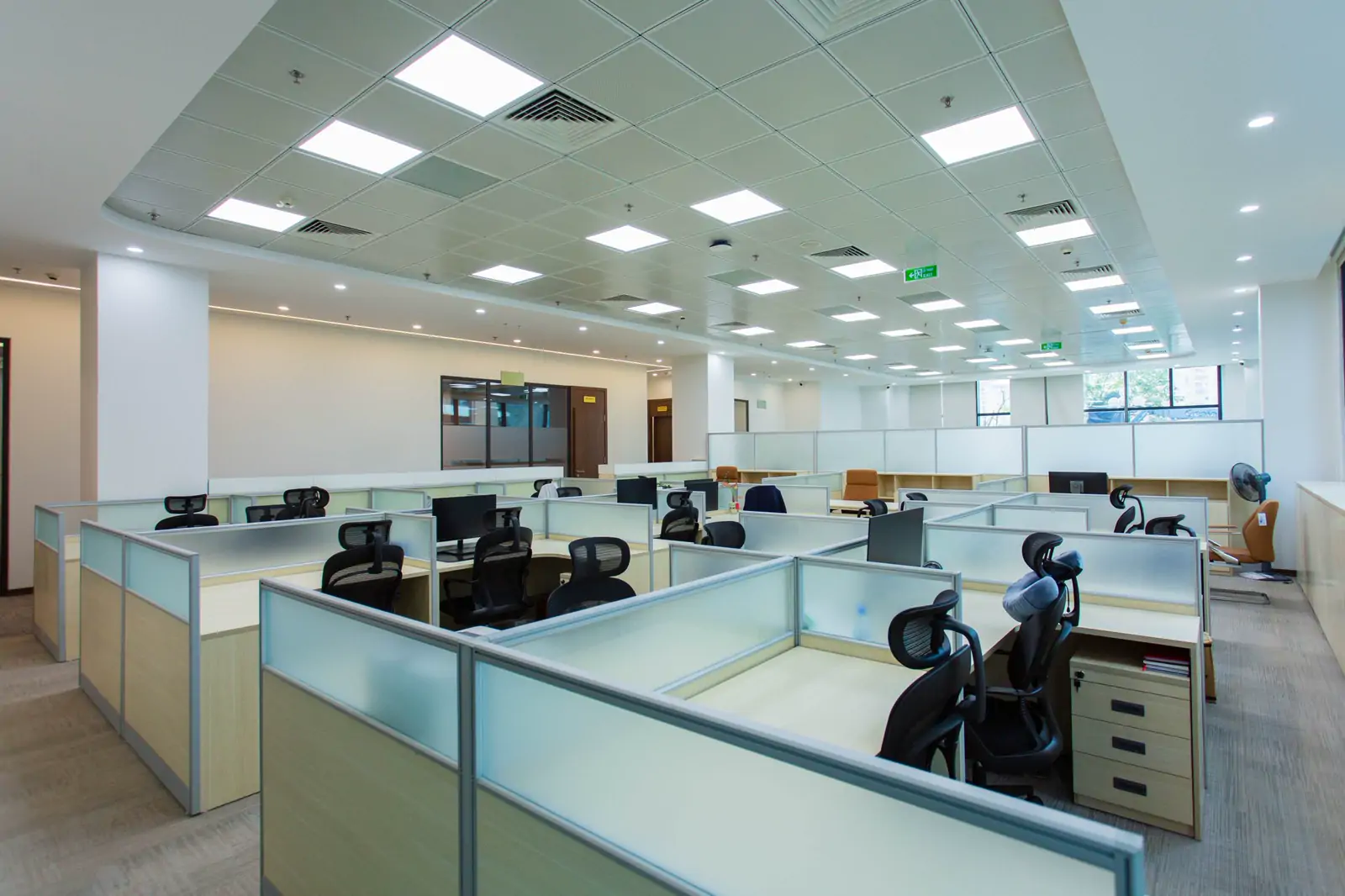
A bright open-plan office with rows of workstations divided by low glass partitions
Stock photo: Doan Thanh Binh / Pexels. Illustrative — not a PGAK site or customer.

Request a camera assessment. Timing and scope agreed on the call. By submitting, you ask PGAK to contact you about this enquiry. Privacy notice.

Treat this page as evaluation guidance. Product availability and site suitability require an approved configuration and technical test. Published scenarios are illustrative, not verified customer results.

Sound familiar?

  • The reception or billing counter is empty and nobody notices until a customer complains.
  • A security post must be staffed all night, and the only check is a phone call.
  • Desk sensors were quoted, and nobody wanted another device on every desk.

How desk tracking works

An installer draws a small zone around each chair on a ceiling camera's view. A seat counts as occupied once someone has sat there for a short time, so people walking past are ignored and a brief gap does not end the session. Sitting time adds up into hours per desk, per day.

One zone per chair

Seat detection sees whether someone is in the seat, not who. An assigned seat's time is recorded against the employee it is assigned to.

No sensors on desks

It uses camera views you already record.

No extra footage kept

It stores sitting times, not more video.

Two office workstations seen from directly above, with people typing at keyboards
Stock photo: Ron Lach / Pexels. Illustrative — not a PGAK site or customer.

Staffed posts: when was the counter empty?

For a reception, billing counter, gate or security desk, it shows how much of the day the post was occupied, the total time nobody was seen there, how many gaps there were and the longest one, and a summary of which hours are routinely unmanned over recent weeks. A gap can also be time the camera was offline, so check long gaps against the recording; a post that recorded nothing all day is tagged 'no data' so you can check the camera and zone.

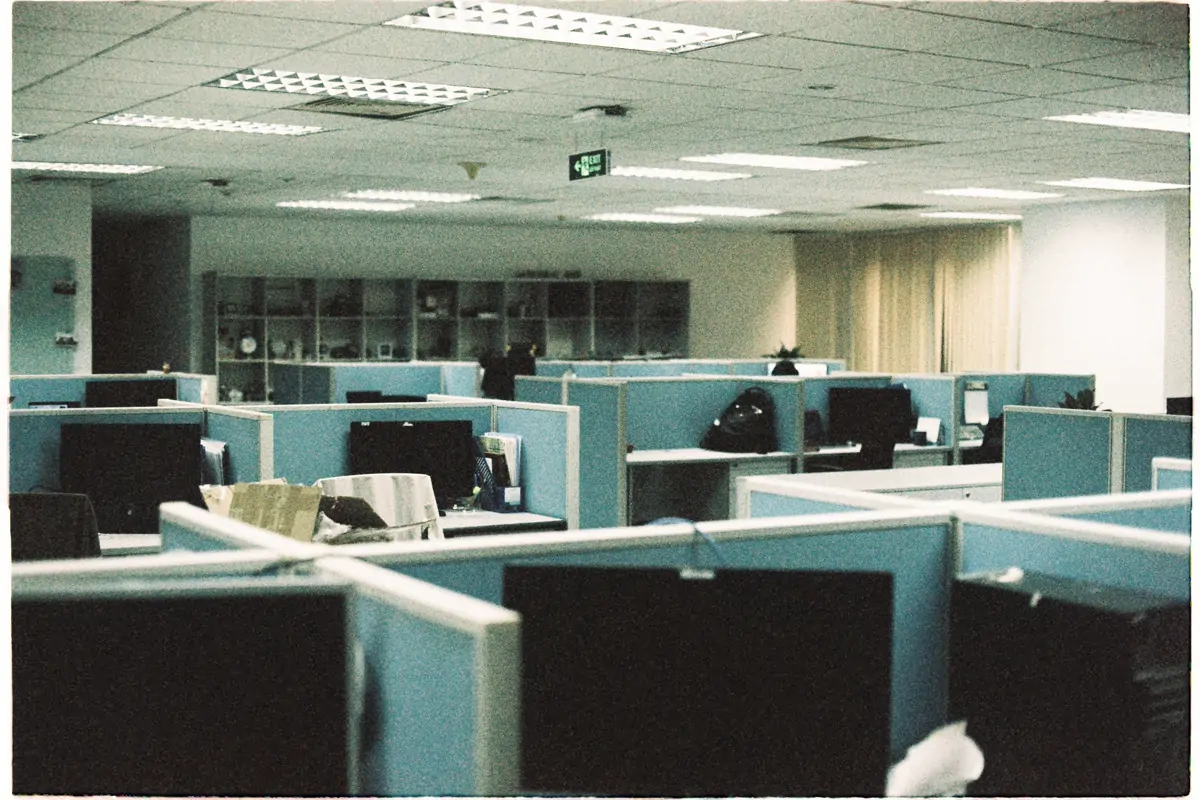
Rows of empty office cubicles with computer monitors under ceiling lights
Stock photo: Toàn Văn / Pexels. Illustrative — not a PGAK site or customer.

Who sees what, and what it does not tell you

The whole-office report is for admins only; an employee's access is limited to their own desk time. A seat can be assigned to a named employee, so under India's DPDP Act, 2023 these are personal records: tell staff in writing what is measured, why, who sees it and how long it is kept. Time at a desk is not productivity, and PGAK publishes no accuracy figures for desk tracking; it is tested on your own cameras.

What to check before deployment

Camera and recorder streams
Confirm RTSP access or ONVIF discovery, stream stability and the views that matter. Do not send camera passwords in the enquiry form.
On-site processing
Ask which processing device is needed, how it is sized, what runs locally and what information leaves the site.
Attendance acceptance
Test real entrance conditions and enrolled staff with consent. Agree how missed or disputed records will be corrected before payroll use.
Complete commercial quote
Confirm enabled cameras, sites, subscription, setup, hardware, taxes and support. Use the assessed scope to compare proposals.

Get a site-specific AI video analytics price or use the attendance system buying checklist.

desk tracking system — common questions

What is a desk tracking system?

A system that records when each desk, counter or post is occupied and for how long. PGAK's does it from overhead CCTV, with a zone drawn around each chair — no sensors or badges.

Does desk tracking use face recognition?

Seat detection does not; it only checks whether a seat is occupied, not who is in it. A seat can be assigned to a named employee, and its time is then recorded against that person whoever sat there.

Can it alert us when a counter is left unattended?

Not as a live alert today. It reports unattended time per post, the longest gap and which hours are routinely uncovered, for review.

Can it show how many desks our office uses?

No. It records hours for each desk you draw, day by day; it does not give a whole-floor utilisation summary.

Start with a free audit of your own cameras.

Your number and camera count is all it takes. We call within one working hour and send the report within 48 hours.

Who you are dealing with

A registered Ludhiana company that builds the software it sells.

PGAK Innovations Pvt. Ltd. is incorporated in Punjab, engineers its own AI layer, and runs the free camera audit itself — the people who answer the phone are the people who built the product. About the company →

Founded
2023, Ludhiana
Registered office
BK Towers, 2480/2, Gill Rd, Ludhiana 141003
CIN
U62013PB2023PTC058631
Talk to us
+91 62839 93600WhatsAppOpen Mon–Sat 09:00-19:00

What a project here involves

Compatible cameras and recorders you already own are reused wherever they are suitable. Detection runs on an on-site processing unit, and camera suitability, stream access, processing hardware and network are all confirmed at the assessment — with anything extra itemised in the quote before you commit.

What the quote is made of

ComponentWhat decides itPrice
Cameras reusedWhich existing cameras give a usable view for each use case — confirmed on a still image of each view.Quoted per site
Cameras moved or addedOnly where a use case needs a view no camera has (plates and faces usually do). Each one named in the quote.Quoted per site
On-site processing unitDetection runs here, next to the recorder. Model, quantity and warranty depend on camera count and analytics.Quoted per site
Software / licencesWhich analytics on which cameras, the term, and the basis for renewal.Quoted per site
Installation and configurationStream setup, zones, schedules, alert routing and commissioning.Quoted per site
PilotAgreed scenes, acceptance criteria and duration before rollout.Quoted per site
SupportHours, response versus fix time, and who replaces failed hardware.Quoted per site
TaxesStated separately on the quote.Quoted per site

How it is evaluated

  1. 1. Self-check — Two minutes, nothing sent — find likely blockers.
  2. 2. Scope on paper — Cameras, use cases and acceptance tests, written down.
  3. 3. Site assessment — PGAK checks streams, views and network on your cameras.
  4. 4. Pilot against criteria — Precision, recall, false alerts and delay, agreed in advance.
  5. 5. Written proposal — Itemised as above; you decide whether to roll out.

Evidence for this page

No PGAK recording is published for this page yet. The capability register shows what has been demonstrated and under what conditions.

Discuss your camera setup

Share your phone number, city and camera count. We will clarify the intended use case and agree assessment scope and timing with you. Do not submit camera credentials or footage.

Request a camera assessment. Timing and scope agreed on the call. By submitting, you ask PGAK to contact you about this enquiry. Privacy notice.