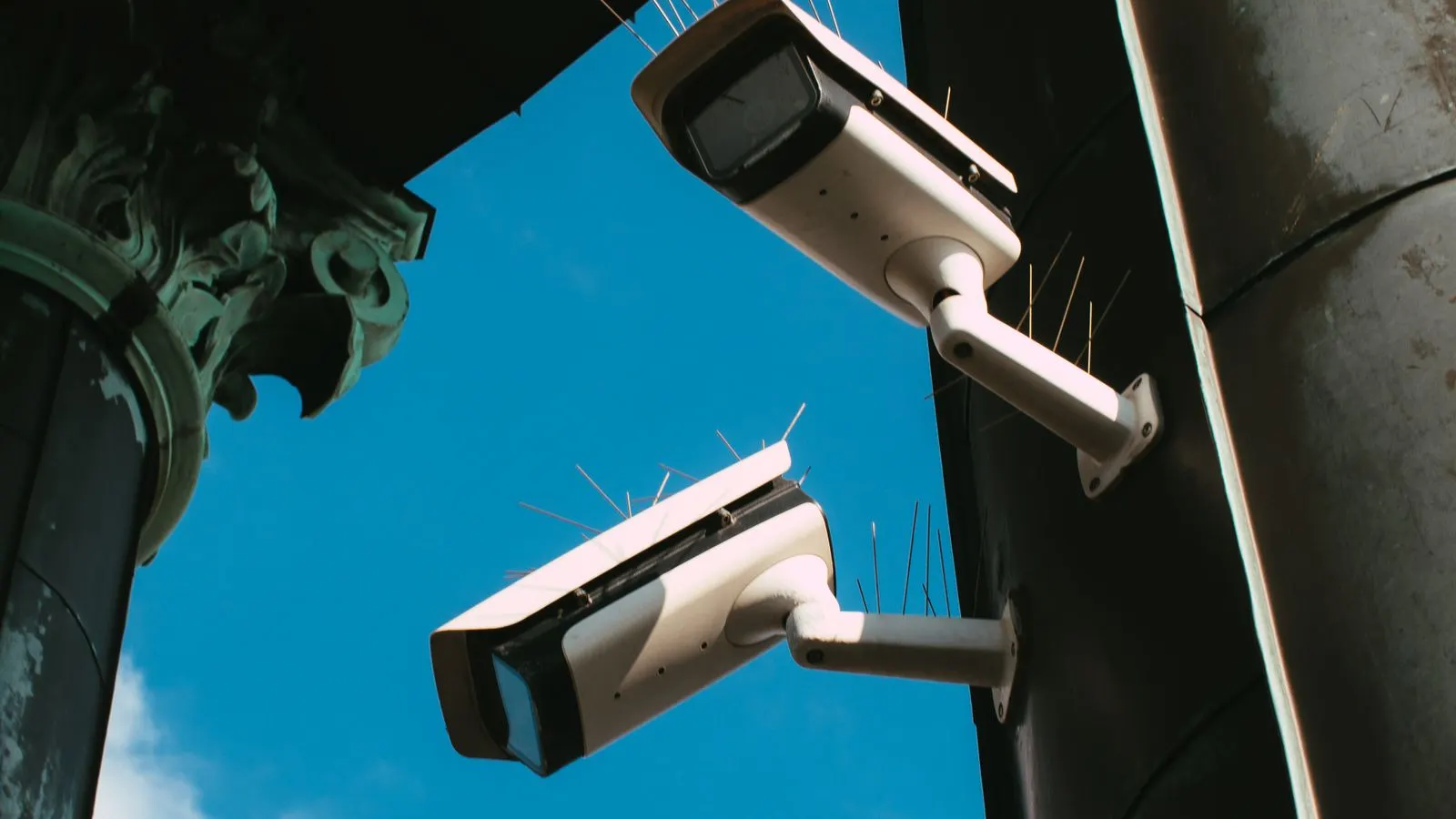
A camera that works in its manufacturer's phone app may or may not provide the stream needed by a separate analytics system. The right starting point is the exact model and configuration, not a promise that “all cameras from this brand work”.
For Tapo, Imou, Qubo, Prama or another brand, separate two questions: can the proposed system receive a supported video stream, and can that view support your intended event? Both must be answered before describing the camera as compatible with AI Alerto by PGAK.
Prepare a model-specific record
Collect the model number, hardware revision where shown, firmware version and whether the stream will come directly from the camera or through a recorder. A photo of the product label can help, but remove passwords, QR access codes and other access details before sharing it.
Then write down the job: after-hours entry at a gate, for example. Include the approximate target distance, operating hours and whether the area is lit. “Add AI” is too broad to test; a defined event gives the technical reviewer something concrete to assess.
PGAK's current compatibility guidance does not publish a model-and-firmware approval list. Treat any proposed combination as awaiting verification until there is a dated test record for that configuration.
What RTSP and ONVIF do, and do not, establish
RTSP access can provide a route to a video stream. ONVIF profiles describe interoperability features between conformant devices and clients. Neither label alone proves that a particular analytics application supports the stream settings or that the camera sees the event clearly enough.
Ask the reviewer to confirm the video codec, resolution, frame rate, bitrate and available concurrent streams. Also check whether recording and other viewing clients will remain usable while analytics runs. A short successful connection is only the beginning of the assessment.
An absent menu item is not conclusive proof that a camera cannot integrate. Check the manufacturer's current instructions for the exact model and firmware. Equally, a general statement on a brand website is insufficient to approve an unlisted model.
Tapo: use the current manufacturer instructions
TP-Link's RTSP and ONVIF guide describes supported wired-camera configurations and a separate camera account for third-party access. It also describes battery-powered limitations and specific powered-doorbell exceptions. Check its model conditions rather than applying one rule to the entire range.
Keep any authorised stream test on a trusted local network. Do not paste a credential-bearing stream address into an enquiry form, public message or shared document. Arrange a permissioned technical review if live access is needed.
Imou, Qubo and Prama: verify rather than infer
For these brands, request the applicable manual or written model-specific confirmation of third-party streaming. This article does not certify a model or infer support from a related brand, a familiar stream path or a recorder that happens to discover a device.
If access comes through a DVR or NVR, identify the recorder channel and its available output. The stream exposed by the recorder can differ from the camera's advertised capability. Record the configuration that was actually tested.
Test the scene as well as the connection
Use representative conditions: normal activity, a relevant planned event, the required night view, an obstructed view where applicable and restoration after a controlled interruption. Coordinate testing with the site owner so that it does not disrupt a working security system.
Keep a short result table:
| Check | Evidence to keep |
|---|---|
| Stream access | Model, firmware, authorised access method and tested settings |
| Useful view | Location, task, distance, lighting and known obstructions |
| Stability | Observation period, interruptions and recovery result |
| Event delivery | Expected event, received result and limitations |
A camera can pass the first row and fail the second. The remedy may be a different position, lighting change or selected replacement. Do not buy a whole new camera estate before identifying the actual constraint.
Use the pilot worksheet to agree what a successful test means. Send only the model details, site type and intended use in the initial enquiry; credentials and unrestricted footage are unnecessary at that stage.