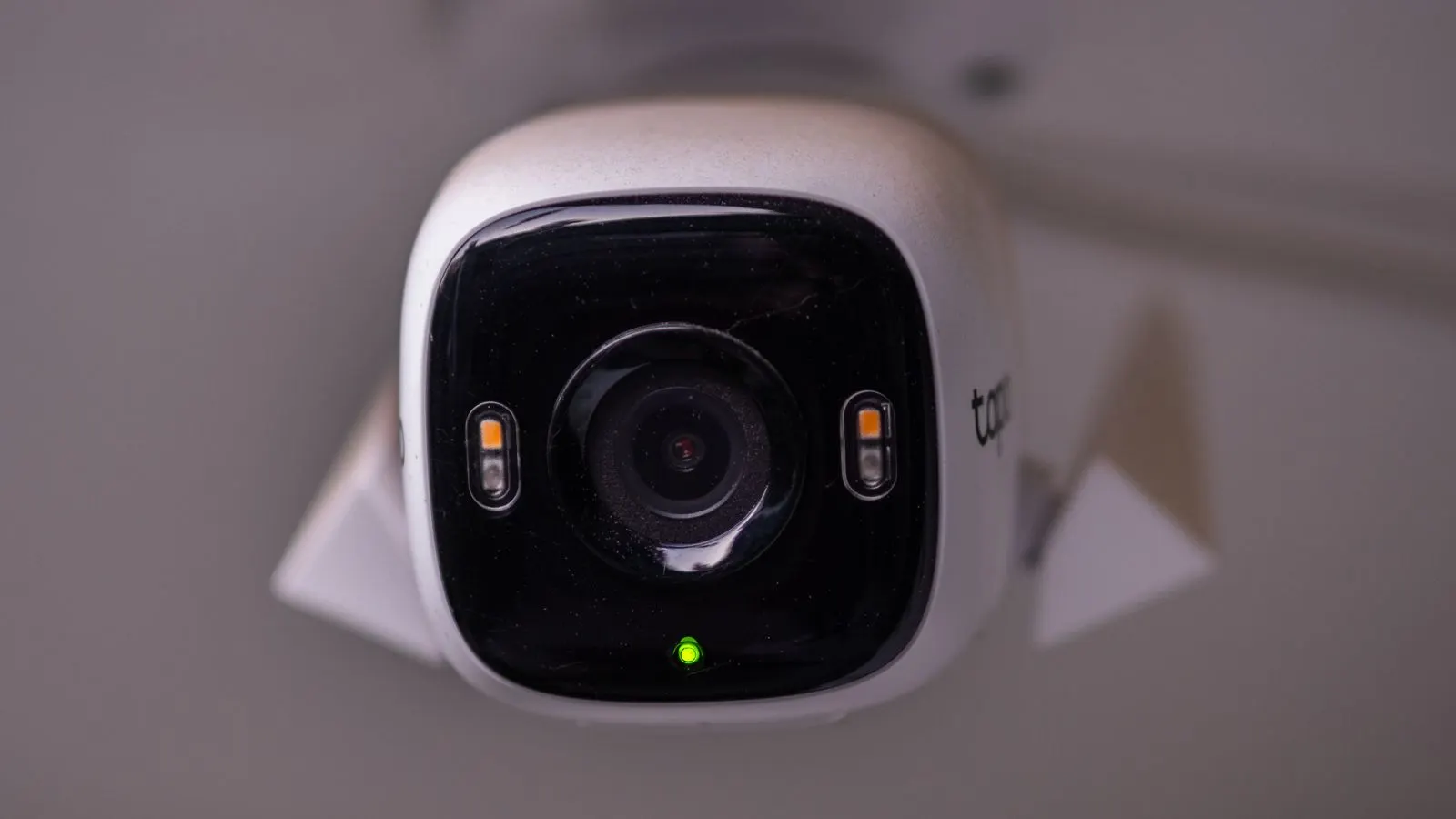
Straight answer: yes, if the analysis runs on a device at your site. Detection keeps going through an internet outage; what pauses is the alert reaching your phone, which catches up when the link returns. If the system ships video to the cloud to be analysed, then no — the intelligence stops when the connection does. This is the most important architectural question in an AI CCTV quote, and it is rarely on the first page.
In India this is not a theoretical concern. Links go down. Fibre gets cut by roadwork. Rural and industrial-estate connectivity is genuinely patchy, and a system whose intelligence lives 2,000 kilometres away inherits every one of those problems.
Where the thinking happens
There are two ways to build this, and they behave completely differently when things go wrong.
On-site processing (edge). A small computer sits at your premises, subscribes to the camera streams from your DVR or NVR, and runs the detection models there. Video never has to leave the building to be understood. Alerts and short clips go out over your internet connection; the analysis does not depend on it.
Cloud processing. Video is streamed out of your building to a remote service, analysed there, and results come back. This is simpler to deploy and it is why some quotes are cheap up front — but you are now paying to move every frame off site, continuously, for every camera, and your detection has a hard dependency on the link staying up.
| On-site processing | Cloud processing | |
|---|---|---|
| Internet drops | Detection continues; alerts queue | Detection stops |
| Bandwidth needed | Small — events and clips only | Continuous upload, every camera |
| Video leaves the site | Only what you ask for | Everything, always |
| Power cut | Stops (both) | Stops (both) |
Neither is a scam. But they are being sold at comparable prices for very different reliability, and the difference only shows up on the worst day.
So what actually happens when my internet drops?
With processing on site, the honest sequence is this:
Cameras keep recording to your DVR, exactly as before. The on-site device keeps reading the streams and keeps detecting — a person crossing the boundary at 3am is still detected at 3am. What it cannot do is reach your phone. Those events wait.
When the link comes back, the events are still there. You get them late.
That is a real limitation and worth being clear-eyed about: a detection you receive an hour late is not a prevention. If your reason for buying is "I want to know within seconds", then your internet connection is part of the system and deserves the same attention as the cameras. A cheap secondary link, or a mobile data failover on the edge device, is usually money better spent than another camera.
But the alternative — a system where nothing was watching at all during the outage — leaves you with no record that anything happened. That gap is the thing worth avoiding.
Power is the harder problem
Internet gets the attention. Power is what actually takes sites down.
Cameras need power. The DVR needs power. The on-site processing device needs power. Any of those going dark stops the chain, and no architecture solves it in software.
The practical fix is unglamorous and cheap: put the cameras, the recorder and the edge device on the same UPS or inverter circuit. These are low-draw devices — the whole chain typically draws less than a couple of ceiling fans — so a modest UPS carries them through the kind of outage most sites see, and a standard inverter setup carries them a great deal longer.
If you are in an area with routine cuts, this is the first thing to sort out and it has nothing to do with which vendor you pick.
How would I even know something went down?
This is the part most installations get wrong, and it is worth testing before you sign anything.
A great many Indian sites have a camera that has been dead for weeks. Nobody noticed, because a camera that produces no video looks exactly like a camera showing an empty corridor — until the day you go looking for footage of an incident and find there isn't any.
A system that watches its own health closes that gap. It should flag a camera that has stopped producing frames, and a whole site whose on-site device has stopped checking in — which is, usefully, also what you would see if someone pulled the recorder out of the building. PGAK has no published camera-health demonstration yet, so this is something to test at your site with a disconnect-and-reconnect check and confirm in the written scope.
That last case is worth sitting with. When a camera is covered, moved, blinded or unplugged, the useful signal is not the footage — there isn't any. It is the fact that the feed stopped, and somebody being told promptly. We wrote about that pattern separately in your DVR records the theft, it doesn't stop it.
What to ask before you buy
Four questions, and you can ask them on a phone call:
- Where does the analysis run — on my premises or on your servers? Everything else follows from this.
- If my internet goes down for six hours, what exactly do I have afterwards? Listen for whether detection continued or simply stopped.
- How much data does this push out per camera per month? Cloud-analysed systems have a real and recurring answer here that often is not in the quote.
- How will I find out that a camera has stopped working, and how fast? Ask them to demonstrate it by unplugging one.
That last one is the best test in the list, because it is the only one that cannot be answered with a brochure.
The short version
Ask where the thinking happens. On-site processing means the system keeps watching when the link drops and you get the events late; cloud processing means it stops watching entirely. In a country where connectivity is genuinely uneven, that is not a technical detail — it is most of what you are buying.
And put the whole chain on a UPS. That single decision does more for uptime than any feature on the quote.
If you want to know what your site would actually need — including whether your existing connection is good enough — tell us your camera count and where you are, and we will be specific about it.