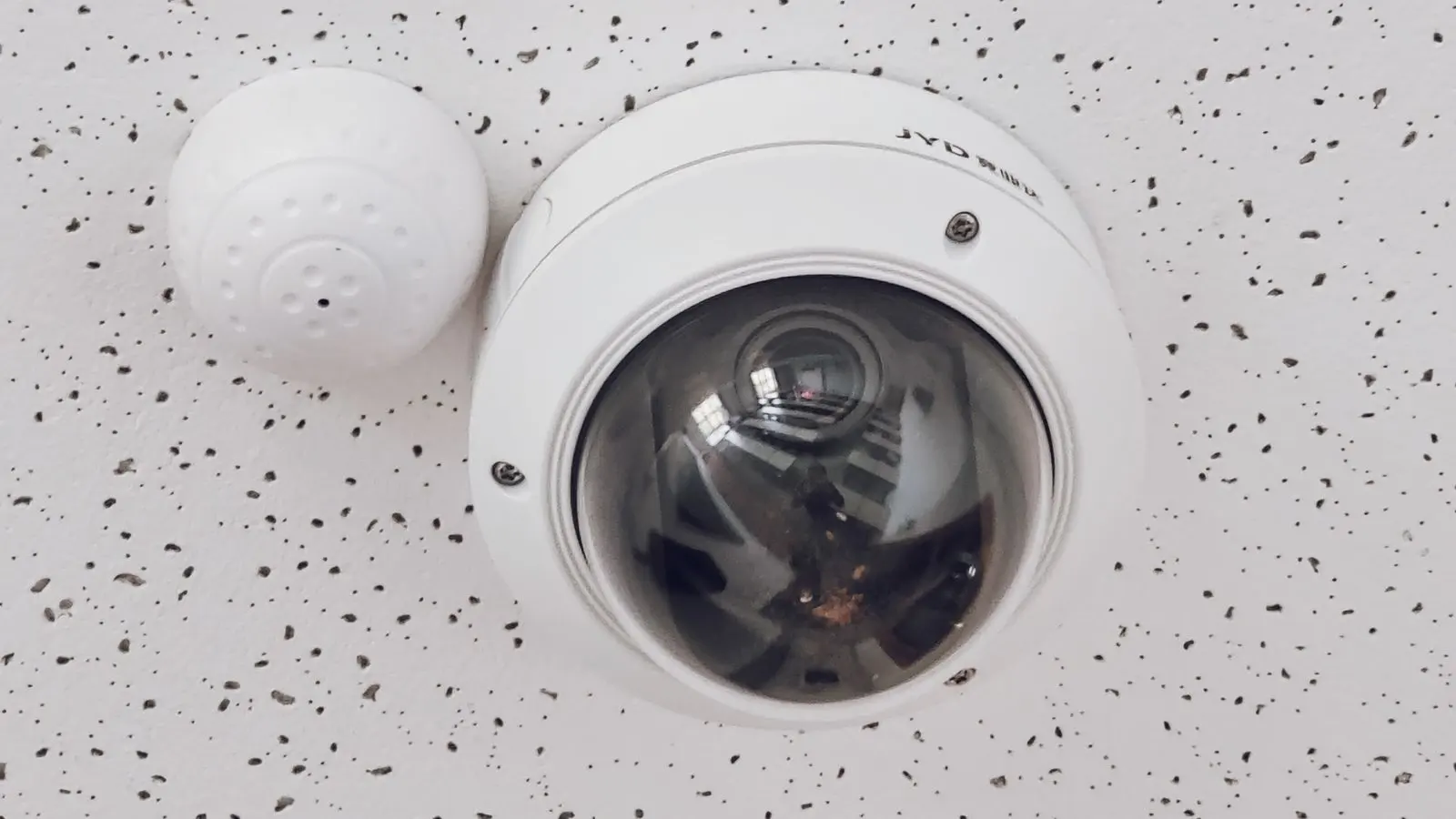
Straight answer: the most common thing to happen to a camera during a break-in is that it stops working — covered, turned, unplugged, or taken along with the recorder. There is, by definition, no footage of what follows. The only useful signal is that the feed died, and whether anyone found out at the time or the next morning. That gap is the whole problem, and it is a monitoring problem rather than a camera problem.
Read enough local reporting of break-ins in India and a pattern repeats itself with dull consistency. The cameras were there. The cameras were working. And somewhere in the sequence the cameras stopped — turned to the wall, sprayed, unplugged, or the recorder simply carried out along with everything else. The owner finds out in the morning.
The uncomfortable part is that the equipment did its job. It recorded right up to the moment it was interfered with. What failed was that nobody was told while it was happening.
Why cameras get disabled rather than avoided
Because it is easier. Avoiding cameras requires knowing where they are, what they cover and where the blind spots run. Disabling them requires a cloth, a can of spray, or a hand on the housing.
And it usually happens early — before the part you actually wanted recorded. That is what makes it worth detecting in its own right: the interference is the earliest reliable signal available, and it arrives while there is still time for the event to mean something.
What can actually be detected
Two different mechanisms, worth separating because they catch different things.
The picture changes in a tell-tale way. Covering a lens, spraying it, or swinging a camera towards a wall or ceiling all change the entire frame at once, in ways that look nothing like ordinary activity. A scene going abruptly and uniformly dark, or the whole view shifting and settling somewhere new, is recognisable as interference rather than as something happening in the scene.
The frames stop arriving. A camera that has been unplugged, had its cable cut, or lost its recorder does not produce a suspicious picture — it produces nothing. That absence is detectable too, and it is detected by something that expects frames and notices when they stop coming.
The second one covers the case people most often ask about, which is the recorder being taken. When a DVR leaves the building, every camera on it goes silent simultaneously. That is an unusually loud signal, if anything is listening for it.
The honest limits
This is worth stating plainly, because it is where this kind of feature gets oversold.
It does not prevent anything. A camera being covered is detected, not stopped. What you gain is the minutes between the interference and everything after it — which is only worth something if somebody receives the alert and does something.
There is no footage of what follows. Once the lens is covered, it is covered. What you have is a timestamped record that interference occurred, plus whatever was captured up to that instant, plus whatever other cameras still see.
Cameras also fail on their own. Power supplies die, cables corrode, monsoon water gets into a junction. A good proportion of "camera offline" alerts are maintenance, not crime — and that is genuinely useful in itself, because the alternative is a camera that has been quietly dead for six weeks.
That last point is worth dwelling on. When we assess an existing site, dead cameras are close to universal. The owner believes they have sixteen cameras; fourteen produce video. Nobody noticed, because a dead camera and a camera watching an empty corridor look identical from the app — until the day the footage matters.
How fast is fast enough?
Fast enough that the alert lands while the situation is still live.
For reference, our own thresholds: a camera that stops producing frames is flagged after about three minutes, and a site whose on-site device stops checking in is flagged after about two. Three minutes is not instant, and that is deliberate — a shorter window turns every brief network hiccup and power flicker into an alert, and an alert stream people stop trusting is worse than none, which is the trap we described in 1,000 alerts, only one is real.
Compare that with the realistic alternative. Most sites find out at opening time.
What to actually do about it
Five things, roughly in order of how much they matter relative to what they cost:
- Get events and clips off site as they happen. If the only copy is on a box inside the building, it is exactly as secure as the building. Anything already sent elsewhere is beyond reach of whoever is in the room.
- Make sure something is watching camera health, and find out what the threshold is. Ask the vendor to demonstrate it by unplugging a camera while you watch your phone. This is the single best test in any demo.
- Put the recorder somewhere less obvious. A DVR sitting on an open shelf beside the entrance is an invitation. A locked cabinet in a back room changes the effort meaningfully.
- Put the chain on a UPS. Cameras, recorder and edge device. Otherwise cutting power achieves the same result as cutting cables, more easily.
- Decide who receives the alert at 3am — and check that they will actually see it. This is the step that gets skipped, and it is the one everything else depends on.
Number one and number five cost almost nothing and do most of the work.
The short version
Cameras get disabled. That is not a failure of your cameras, it is the normal shape of the event. What decides whether it matters is whether the system noticed the feed die, and whether a person found out in time to do anything.
The camera recorded everything up to that moment. The question worth asking of any system is who gets told, and how quickly.
If you want to know how your current setup would behave — including how long a dead camera would go unnoticed today — tell us what you have and we will walk through it. Testing it on your own site takes one unplugged cable and a stopwatch, and you can do that yourself before speaking to anybody.