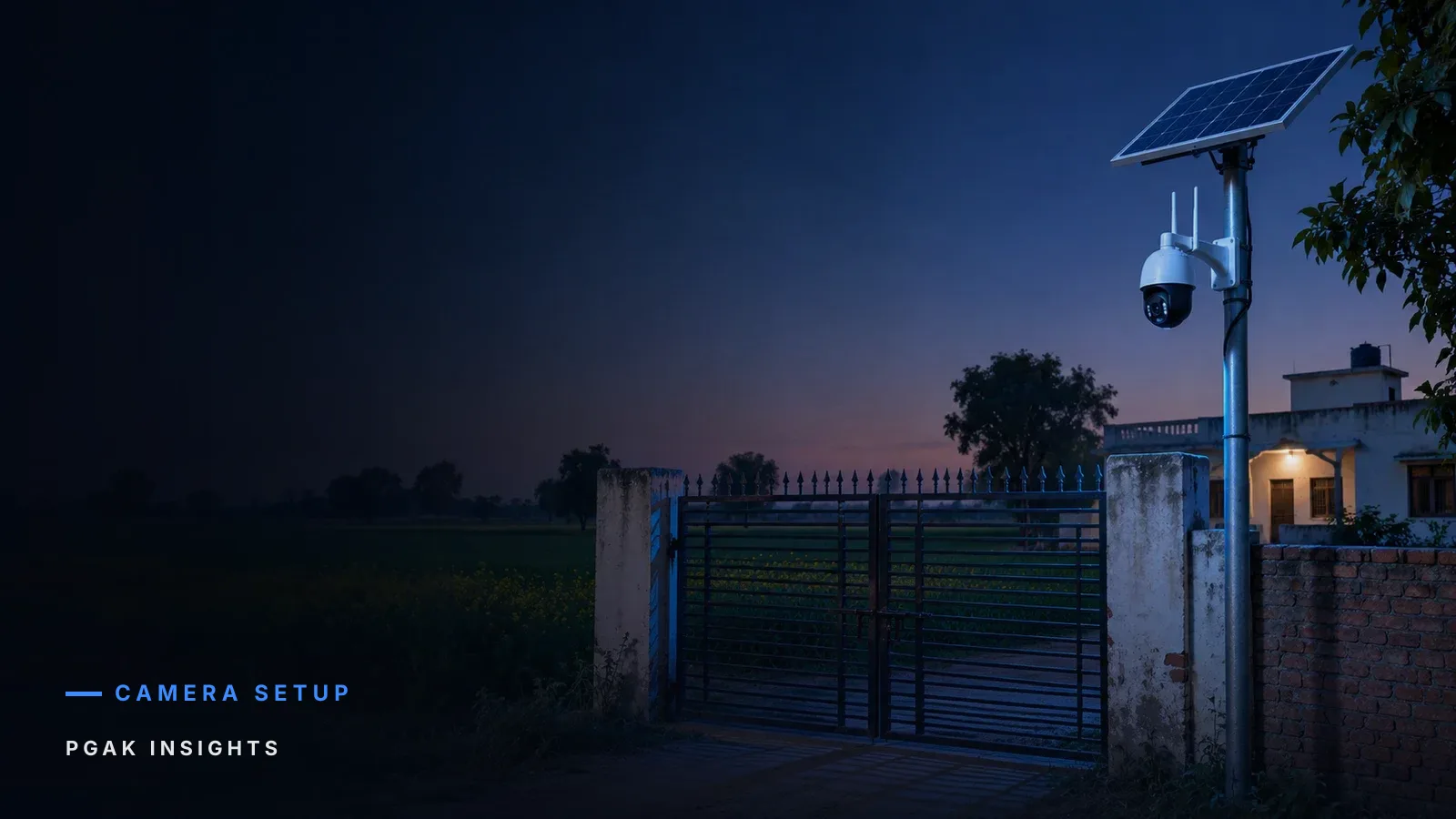
A farm gate has no socket
Your farm, orchard, pump house or plot sits far from the nearest mains point. Someone has opened the gate at night, or taken pipe, wire or diesel. You want a camera. A solar CCTV camera looks like the obvious answer.
It can be. But a solar camera is a small power plant plus a camera plus a network link. Any one of the three can fail and leave you with an empty recording. This list helps you check each one before you pay.
1. Count the sun at the exact pole
A panel needs direct sun for most of the day. A tree, a wall or a shed roof that shades it for two hours changes the result. Stand at the proposed spot at different times of the day and note when shade falls on it.
Also think about dust. On a farm, a panel gets dirty quickly. Decide who will wipe it, and how often. A panel that nobody cleans slowly loses output.
2. Ask how the battery handles nights and bad weather
The battery carries the camera through the night and through cloudy days. Ask the supplier three plain questions:
- How many hours of night recording is the battery sized for?
- How many cloudy or rainy days can it cover before it runs flat?
- How is a worn battery replaced, and by whom?
Batteries age. A system that works well in its first month may struggle in its second year. Ask for the sizing in writing, with the camera mode it assumes.
3. Check what the camera does when power is low
Many solar cameras save power by sleeping and waking on motion. That helps the battery, but it can mean a late start to recording, or a missed first few seconds. Ask whether the camera records continuously or only on trigger, and watch a test clip at the gate to see how much of the approach it captured.
Infrared night light also draws power. A camera that looks fine by day may behave differently at night. How to test CCTV night vision gives a simple after-dark walkthrough you can use on the pole.
4. Decide how footage gets to you
There are two common ways:
- Local storage. The camera records to a memory card. You collect or pull footage when needed. This needs no network, but a card can be removed along with the camera.
- Mobile network. A 4G SIM sends live view or alerts. This needs signal at the pole, a working data plan and a plan for when the SIM runs out.
Start with a ground-level signal check near the proposed pole on the intended mobile network. Ask a competent installer to verify the actual camera or modem link at the planned mounting position using safe access and suitable equipment; do not climb to hold a phone at camera height. A phone check is only an initial indication, so confirm live view and recording on the proposed equipment. Weak or interrupted connectivity may affect remote viewing or alerts even where supported local recording continues. If you want remote viewing, read about what remote viewing uses in data before choosing a plan.
5. Plan for monsoon and heat
Heavy cloud can cut panel output for days. Rain, damp and heat also affect connectors and the battery box. Ask where the battery sits, whether it is ventilated, and whether the connectors are sealed. CCTV monsoon failures lists the damage patterns to ask about.
6. Think about theft of the equipment itself
A panel and a battery are easy to sell. Ask how the panel, the battery box and the camera are fixed, and whether a lock or a tamper alert is possible. Mount the camera high and out of easy reach, but still where you can service it.
7. Decide what you want the camera to prove
Be clear about the job. Do you want a record of who came through the gate? A live alert when a vehicle arrives at night? Or only a general view of the plot? An identity-level view needs a closer camera and a good angle; a wide view of a field will not show a face.
Write down the one or two events that matter. That decides the camera position, whether you need live alerts, and how much power the system must supply.
Where AI analytics fits, and where it does not
AI video analytics needs a steady, usable video feed. A battery camera that sleeps most of the day is a poor base for it. A solar-powered site with a stable power source and network link feeding a compatible camera is a different case. In that case, a feasibility check can tell you whether a defined event, such as a person at the gate after dark, can be flagged from the feed you already have.
Do not buy a solar camera because it advertises AI. Check the physical view, the power and the network first. Then look at analytics for the few events that matter. PGAK's pricing approach starts from the cameras you already have rather than a full replacement.
Quick checklist before you buy
- Sun at the pole for most of the day, with a plan for cleaning.
- Battery sizing for nights and cloudy days, in writing.
- Recording mode: continuous or on trigger, tested at the gate.
- Storage: card, recorder, or 4G, with signal checked at the pole.
- Weather: sealed connectors and a ventilated battery box.
- Theft protection for panel, battery and camera.
- A clear statement of which event the camera must capture.
Frequently asked questions
Can a solar CCTV camera run all night?
It can, if the battery is sized for the night and the panel can refill it the next day. Camera draw, infrared use, and the number of cloudy days you must survive decide this. Ask the supplier to show the battery and panel sizing for your site, not a general claim.
Does a solar CCTV camera need internet?
Not to record, if it saves to a memory card or a local recorder. You need a network link, usually a 4G SIM, only if you want live view or alerts on your phone. Check mobile signal at the exact pole before you decide.
Can AI analytics run on a solar camera?
It depends on where the analytics runs. Analytics on a camera that has to sleep to save power is limited. Analytics on a separate unit needs steady power and a network link. Test the actual feed first through a feasibility check.